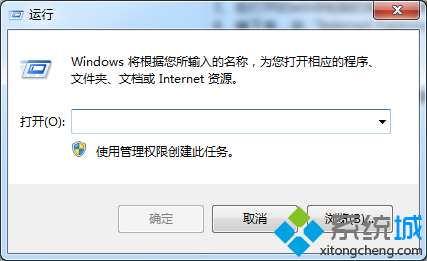
Win8.1 內建滑動關機程式,呼叫後出現鎖定畫面,向下拖曳即關機,操作如手機般直覺。
slidetoshutdown.exe
C:\Windows\System32
Slidetoshutdown.exe
Win8 玩遊戲無法全螢幕?修改註冊表 Scaling 數值強制全螢幕模式
小米隨身 WiFi Windows 8.1 驅動安裝完整圖文教學
Win8.1 筆電關機後仍耗電?關閉「快速啟動」徹底解決
Win 8.1 寬帶撥號自動連線:透過批次檔與 VBS 腳本實現開機自動撥號
Windows 8 平板八大必知:2012 年中發布、規格主流、外型似 iPad、商業導向、觸控新介面、應用商店、USB 埠、價格對標 Android
Windows 8.1 系統需求完整版:硬體規格、CPU 指令集、觸控、Store 存取條件
Windows 8 免安裝媒體實現系統重新整理與重設完整教學
簡單設定讓 Win8 桌面更適合觸控操作:調整 DPI 縮放與指定文字大小