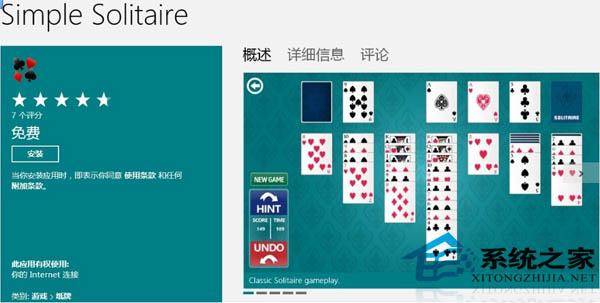
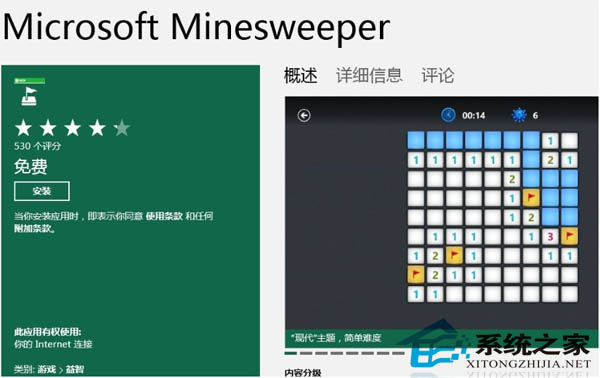
Win8 移除預裝紙牌、掃雷等經典小遊戲,但應用商店提供官方免費版下載,體驗與原版相同。
商店遊戲種類豐富,閒暇時光輕鬆解壓。
Windows 8:微軟踏上感恩之旅,重拾行動運算霸主地位
Windows 8 快速關機技巧:建立桌面關機磚塊,一鍵關機不再繞路
升級 Windows 8 前必讀:硬體需求檢查、必背快捷鍵、優質 Metro 應用推薦、升級前準備清單
Windows 8 內建虛擬光碟/硬碟掛載功能 免裝第三方工具
Win8 快速連結選單 (Win+X) 系統管理神器詳解
Windows 8 組合鍵與滑鼠快捷鍵大全:玩轉 Metro 與桌面雙介面
Win 8 家庭群組功能在哪裡?控制台中設定共享與權限
Win8「分享」超級按鈕功能說明