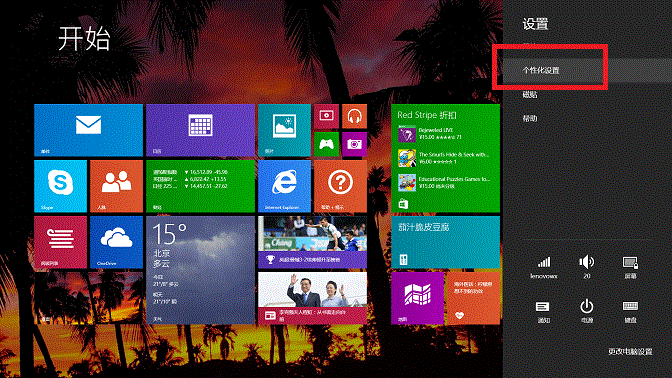
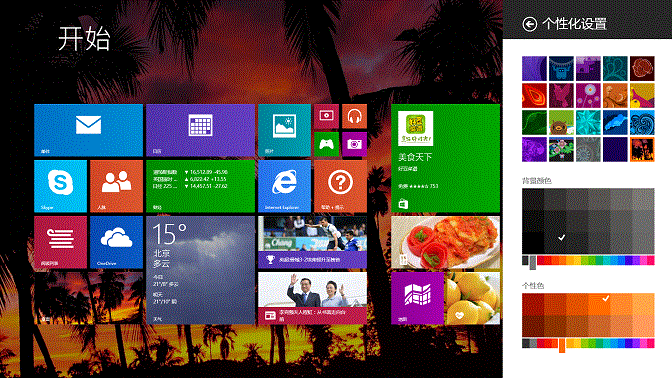
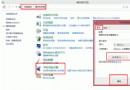
Windows 8/8.1 Modern 介面支援自訂開始畫面背景圖案、背景色與強調色彩,設定即時生效。
Windows 8 IE 無法開啟多個分頁?關閉「增強保護模式」解決
Win8 USB 隨身碟無法安全移除「通用磁碟區」?五大解法 + 預防技巧
Windows 8 一鍵關機捷徑建立教學:繁瑣四步驟縮減為桌面雙擊/開始畫面磁貼單點
Win8 修改系統字體工具教學:MacType 讓你輕鬆換字體、調整渲染效果(完整版)
Win8.1 安裝必應輸入法技巧:升級覆蓋法與靜默安裝法
升級 Win8.1 前必做:微軟官方相容性中心查詢軟體相容性
Windows 8 设置自动登录双法:netplwiz 图形界面法与注册表修改法(含默认用户名/密码写入)
Win8 網路遭 ARP 攻擊如何防護