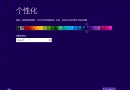
Windows 8/8.1 Modern (開始畫面) 背景與色彩可透過個人化設定快速變更,支援內建圖案與自動擷取桌面壁紙主色調。
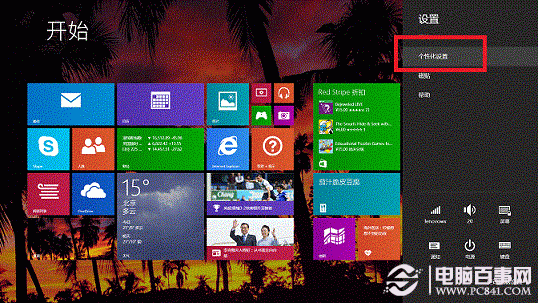
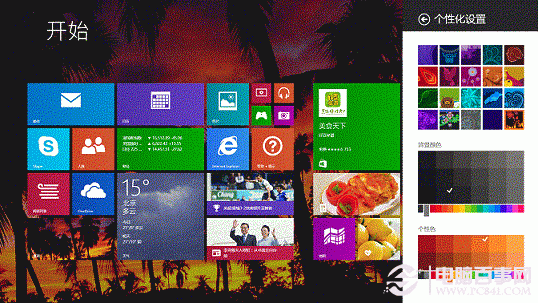
使用 Microsoft 帳號登入時,個人化設定 (背景、色彩、鎖定畫面) 會自動同步至其他 Windows 8/8.1 裝置。
Windows 8 整合 Windows Live 服務:消除線上離線差異、SkyDrive 無縫同步
迄今已知 Windows 8 十大功能彙總:ARM、Metro、IE10、Ribbon、虛擬光碟、USB 3.0、無內建杜比、Media Center、Xbox Live、內核 6.2
Windows 8 內建復原/重設/重裝/還原四大功能完整圖文教學
Windows 8 設定高對比度顯示的 3 種方法:快捷鍵、輕松使用中心、控制台完整教學
Windows 8.1 鎖定畫面客製化神器 Lock Screen Customizer:背景圖片/幻燈片、配色、語言/時間格式、登入行為、Verbose 訊息