Windows XP Windows 7 Windows 2003 Windows Vista Windows 綜合教學 Linux 系統教學
Windows 10 Windows 8 Windows 2008 Windows NT Windows Server 電腦軟體教學

Win8 跳出「Runtime Error」怎麼辦?CMD 註冊 DLL 修復 C++ 執行階段庫

編輯:Windows 8 系統介紹

執行程式或開網頁時彈出 Runtime Error: this application has requested the runtime to terminate it in an unusual way,通常是 Visual C++ 執行階段庫檔案遺失或註冊失效。用 CMD 批次重註冊 system32 下相關 DLL 多數可修復。

修復指令

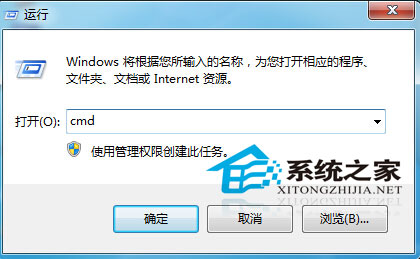
  1. 管理員身分開啟命令提示字元 (Win+X → 命令提示字元 (系統管理員))。
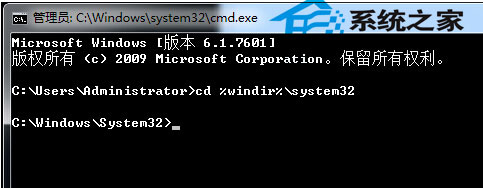
  2. 輸入 cd %windir%\system32 切換目錄。
  3. 依序執行以下指令 (每行按 Enter):
for %1 in (*.dll) do regsvr32 /s %1

過程中可能閃現大量對話框,靜待完成。若無效,建議重新安裝 Microsoft Visual C++ Redistributable 套件 (2005-2022 全版本)。
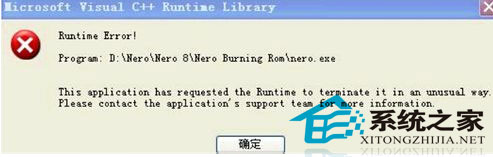
Runtime Error 對話框

執行 CMD 切換目錄

批次註冊 DLL 指令

Copyright © Windows教程網 All Rights Reserved