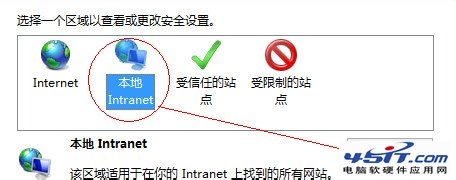
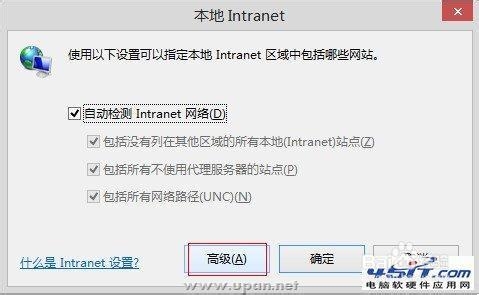
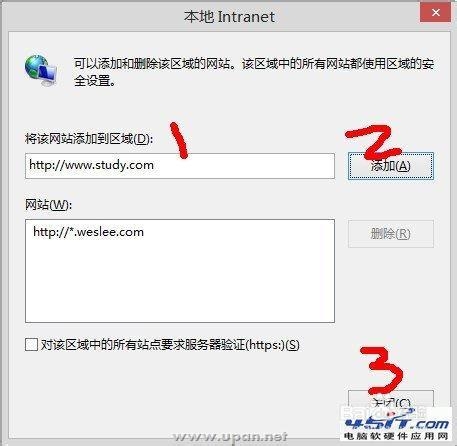
IE「Internet 選項」→「安全」標籤中,預設選中的區域是「Internet」,而本地網站屬於「本地內部網絡」區域,需手動添加至該區域。
Win8 C 槽定時清理輕鬆搞定:關閉 UAC → powercfg -h off 關閉休眠釋放大量空間
Windows 8 打造動態影片帳戶圖片:攝影機錄製 5 秒短片當大頭貼,檔案位置與分享技巧
Win8 優化關機速度兩大法:群組原則啟用自動終止阻礙程序 / shutdown 指令秒關機
Windows 8 無法使用建行網銀 U 盾完美解決方案:wdkmgr.dll 替換法
Start8 新版釋出:為 Win8 找回 Win7 風格開始選單、跳躍清單與自訂工具列
Win8 安裝 .NET Framework 3.5:使用 DISM 指令掛載 ISO 來源