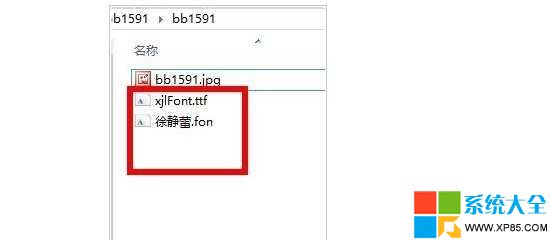
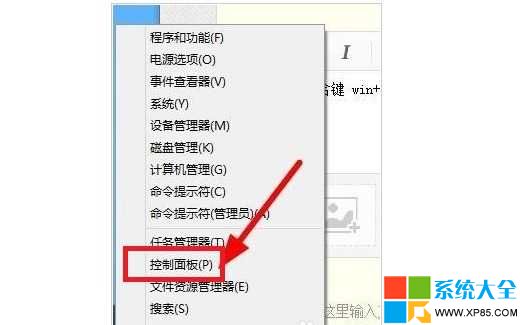
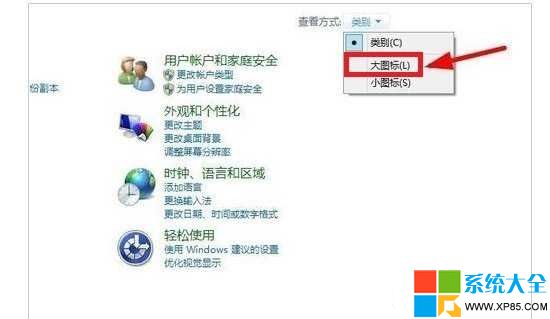
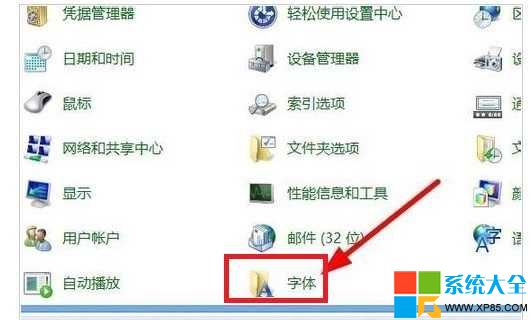
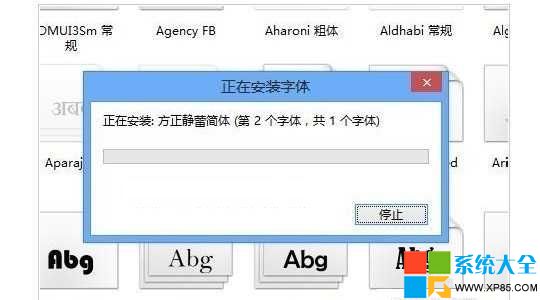
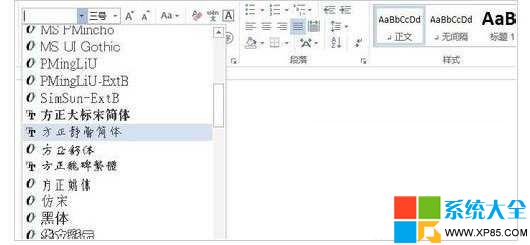
.ttf
.fon
提示: Win8 對第三方字體兼容性尚不完善,安裝後若異常請嘗試替換系統原版字體。
Win8 使用者帳號自動登入設定與任務列重置問題說明
Win8 修改 SkyDrive 儲存位置教學:避免 C 槽空間被雲端同步佔滿
Android 平板頹勢難逆 Windows 8 成 PC 廠商反攻關鍵
Win8 變更桌面主題教學
Win8 系統檔案修復指令 sfc /scannow?管理員 CMD 掃描修復核心檔案
Windows 7 內建效能監視器:即時圖表、資料收集器組、報表完整入門教學
Win8.1 如何清除動態磚快取內容
Windows 8 無線網卡亮燈卻搜尋不到訊號?啟用 WLAN AutoConfig 服務解決