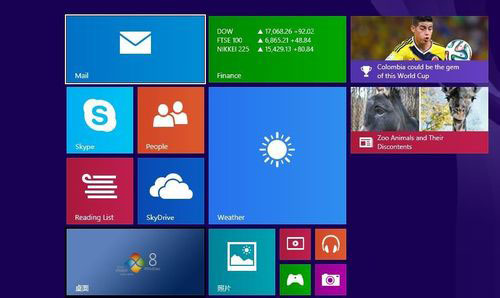
Win8.1 Update 新功能詳解:電源鈕、任務列整合、滑鼠鍵盤優化、企業級增強
Windows 8 啟用網路探索功能完整圖文教學
Windows 8 快速清除搜尋記錄完整指南:Metro 搜尋與檔案總管分別清理
Win8.1 修改 CPU 名稱教學:在工作管理員顯示自訂處理器資訊
Start8 讓 Windows 8 找回經典開始選單:Stardock 官方方案功能詳解與介面預覽
Windows 8 設定工作列圖示「合併/隱藏」或「永不合併」顯示模式
Win 8.1 磁碟清理新功能:儲存體感知快速釋放空間
Windows 8 將非執行檔 (文件/捷徑) 釘選到開始畫面技巧