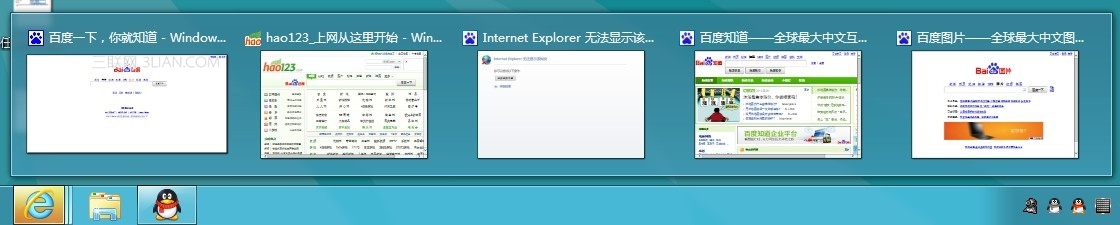
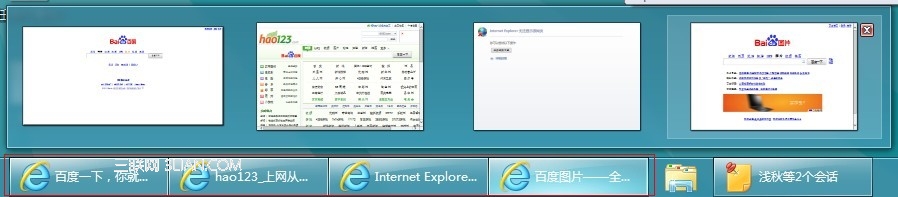
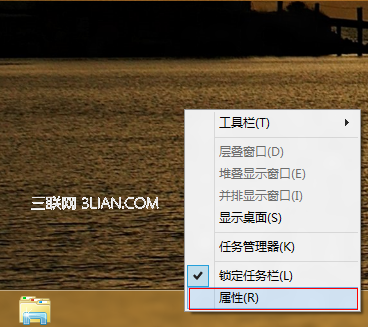
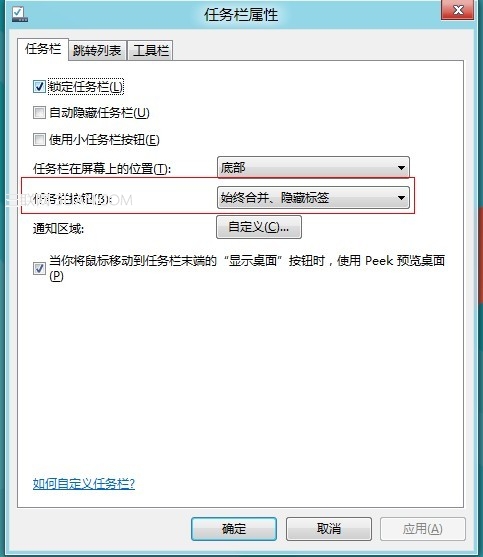
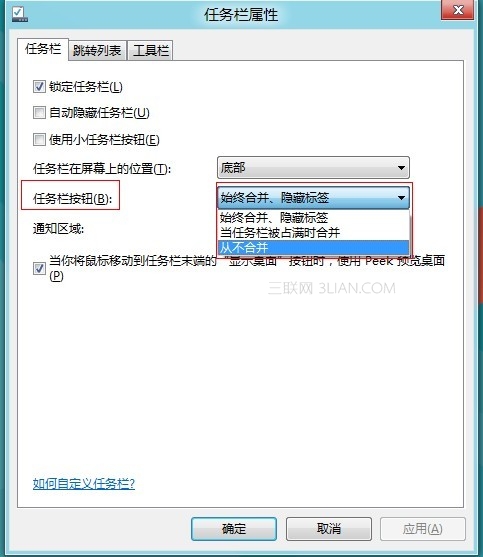
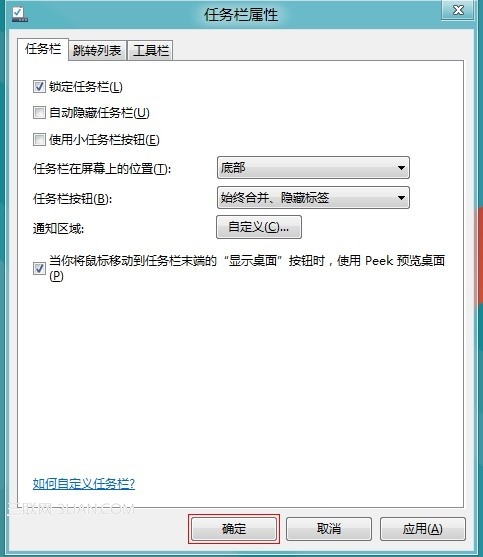
Windows 8 工作列圖示支援三種顯示模式:
Win8 設定 USB 開機三大法:進階啟動、關閉快速啟動、強制關機
Win8 行動寬帶裝置解鎖/解除封鎖:PIN 碼與 PUK 碼操作指南
Win8 磚塊快取洩露隱私?啟用「登出時清除磚塊通知與歷程記錄」保護 QQ/郵件內容
Win8 開始畫面 IE10 磚塊消失?搜尋固定與預設瀏覽器關聯修復法
Windows 8.1 新增鍵盤快速鍵完整表:Win+X、Win+S、Win+K 等提升操作效率
Windows 8.1 電源計劃完整設定指南:自訂睡眠、螢幕關閉與進階參數
Windows 8 硬碟安裝完整教學:從 ISO 掛載到完成安裝的 19 步驟圖文詳解
Win8 升級後藍屏重啟?五大排查方向與硬體/軟體修復指南