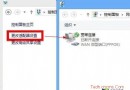
在「電腦設定」中直接修改/切換 Microsoft 帳戶常因同步服務延遲而失敗。替代方案:在「其他帳戶」新增該帳戶,再透過應用商店驗證登入,建立本地設定檔。
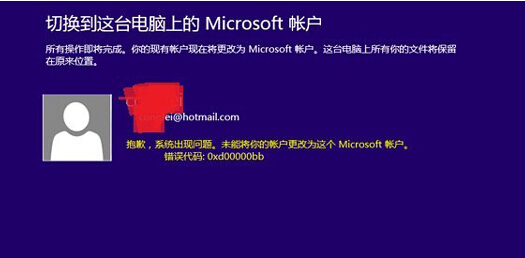

此法繞過「切換帳戶」的同步驗證流程,成功率極高。
Win8/8.1 登錄後直接進桌面而非開始屏幕:任務欄導航設置「登錄時轉到桌面」
WinPE 功能大盤點:版本演進、核心用途、支援特性、硬體需求與限制全解析
Intel 釋出 Windows 8 RP 版核心顯卡驅動 15.28.0.2792 新增 OpenGL 4.0 支援
Windows 8 十大優缺點深度評測:從廣告內建到檔案傳輸增強
Win8.1 刪除 WiFi 連接記錄:netsh wlan delete profile 命令行法(同 17003)
Windows 8 新介面裝置管理員安裝驅動程式:五步驟自動掃描、下載、安裝