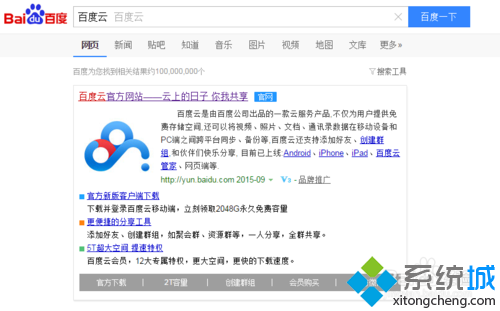
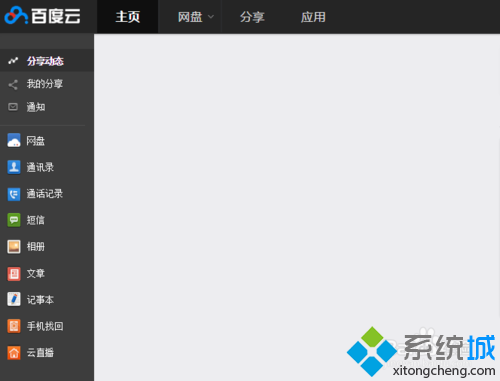
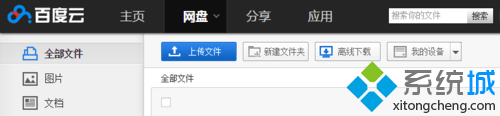
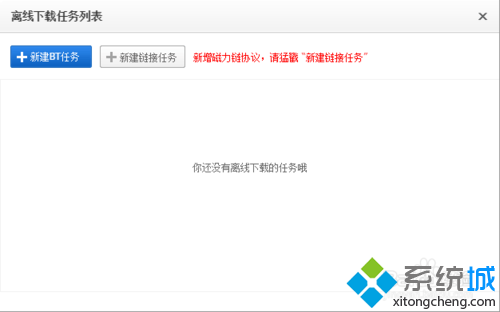
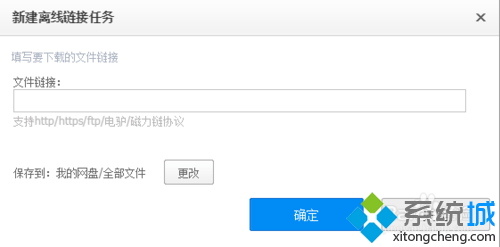
Win 8 百度雲離線下載:
支援 BT 種子與磁力連結,下載完成自動存雲端,跨裝置存取。
Windows 8 設定電腦睡眠時間,平衡省電與即時可用
Win8 程式無回應、無法關閉?啟用 .NET Framework 3.5 解決相容性問題
Windows 8 Release Preview 安裝秘技:免序號安裝、解鎖隱藏核心版、跳過產品金鑰
Win8 寬頻連線錯誤 813?刪除舊連線重建解決連接埠衝突
Windows 8 應用程式商店顯示「未連線到網際網路」?修改 DNS 為 8.8.8.8 秒解
Windows 8 個人化鎖定畫面完全指南:鎖屏、啟動畫面、帳戶圖片、主題一鍵搞定
Windows 8 設定單一視窗開啟資料夾
Win8.1 迅雷影音播放即閃退?重命名 XMP.exe 秒解決相容性衝突