Win 8 取消開機密碼自動登入:
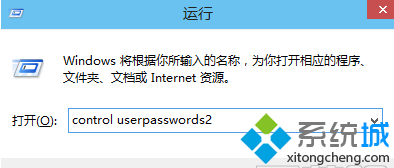
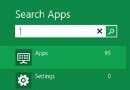
control userpasswords2
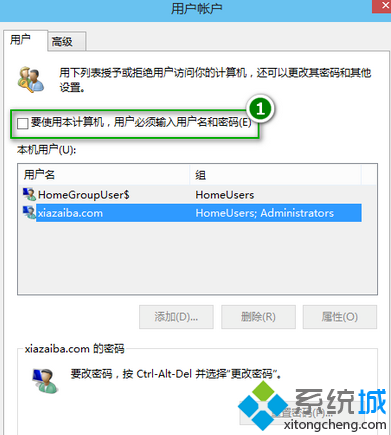
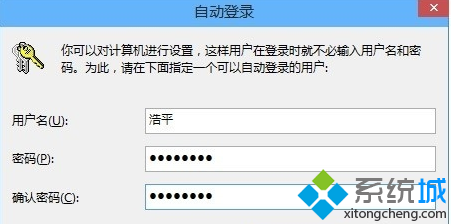
之後開機即自動登入桌面,網路安全性不受影響。
Windows 8 已連接無線網路密碼查看教學:圖文詳細步驟
Windows 8 開啟裝置管理器四大方法全攻略:從新手到進階必學技巧
微軟測試 Windows 8 下的 Ribbon UI:色彩與按鈕風格全新設計
Windows 8 相容性測試誤判六核心處理器,實際安裝無礙
Windows 8 快速刪除多餘的網路連線設定檔 (註冊表法)
驅動精靈 2013 正式版釋出:全面支援 Windows 8 消費者預覽版
Win8 修改桌面背景教學:個人化設定輕鬆換上喜歡的壁紙
Windows 8 新功能:檔案拖放到地址列節點、自訂鎖定畫面壁紙