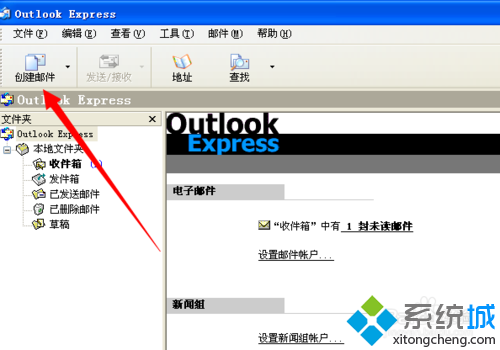
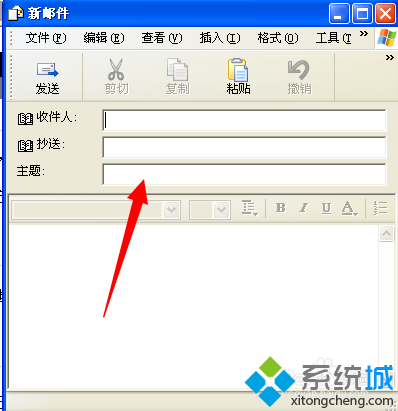
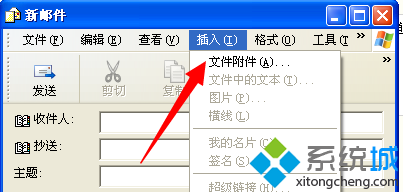
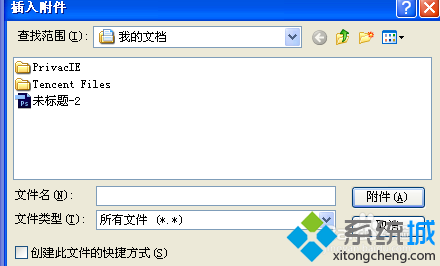
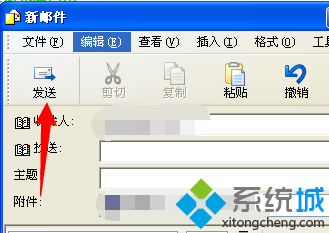
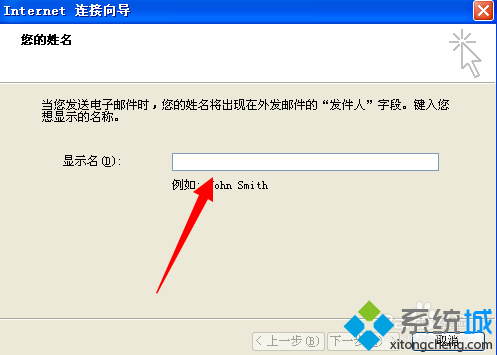
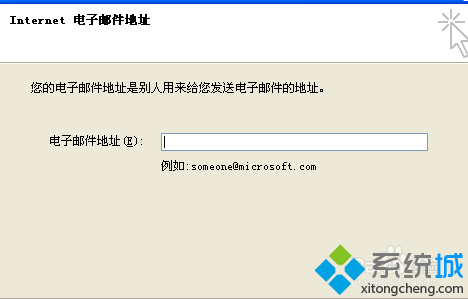
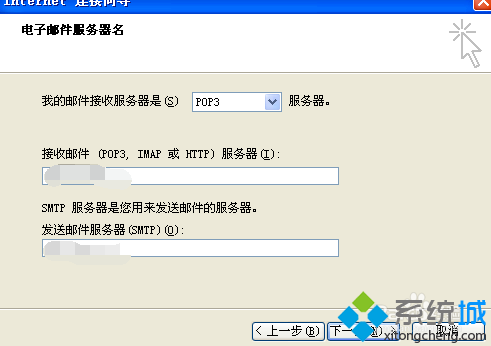
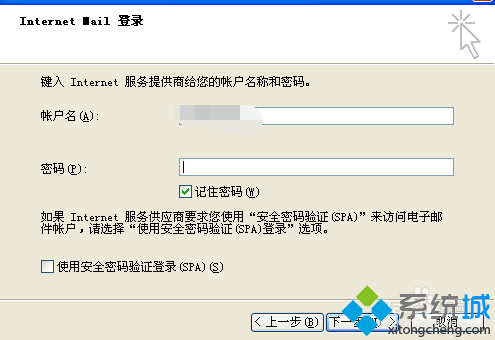
Win 8 內建 Outlook 寄信步驟:
Outlook 設定一次即可長期使用,支援多帳號管理。
Win8 設定託管網路 (Wi-Fi 熱點) 完整指令流程:支援查詢支援度、設定 SSID/密碼、啟停控制
預裝 Win8 筆電無損分區教學:使用分區助手調整 C 槽釋放空間
Windows 8.1 應用程式商店安裝軟體完整操作指南
Win8 IE11 開啟「快取與資料庫」加速網頁載入?Internet 選項→瀏覽記錄→設定→快取與資料庫
Windows 8 低解析度裝置強制啟用 Metro 應用:登錄表 Display1_DownScalingSupported 突破 1024×768 限制
Windows 8.1 磁碟重組與最佳化完整操作指南
Windows 8 新 Logo 挨轟:設計界斥「品牌災難」
Win8 查看已安裝更新歷程記錄:控制台 Windows Update 一鍵檢視