Win 8 正式版媒體中心需付費,但可用以下金鑰免費安裝:
MBFBV-W3DP2-2MVKN-PJCQD-KKTF7 → 下一步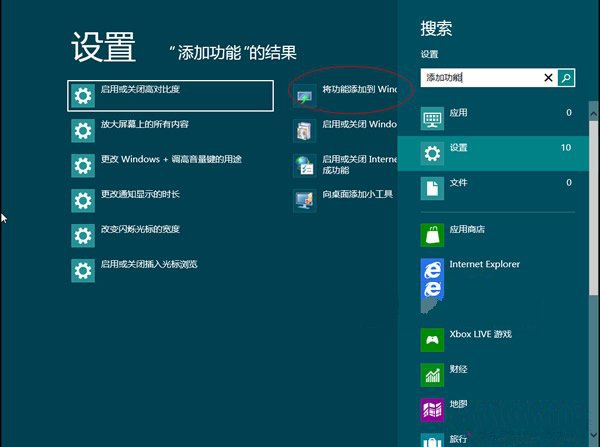
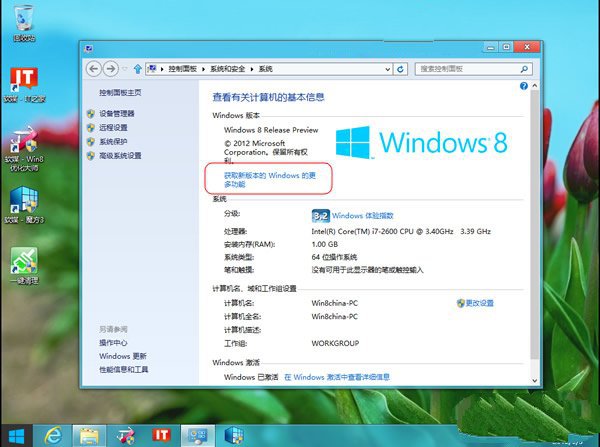
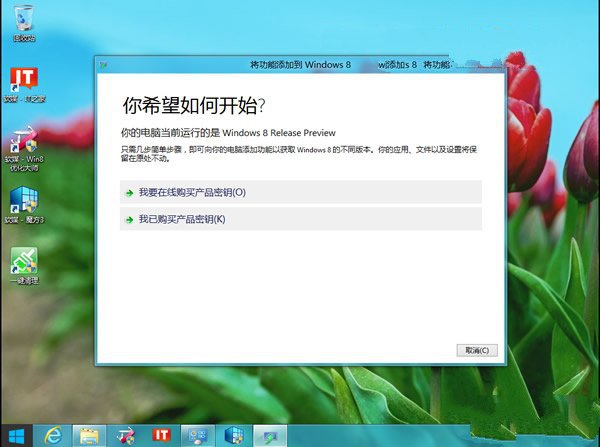
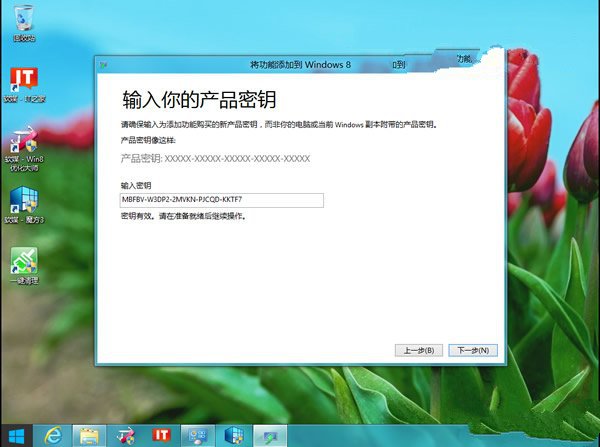
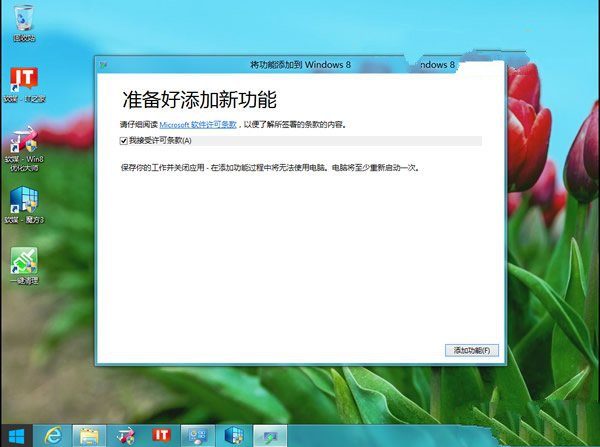
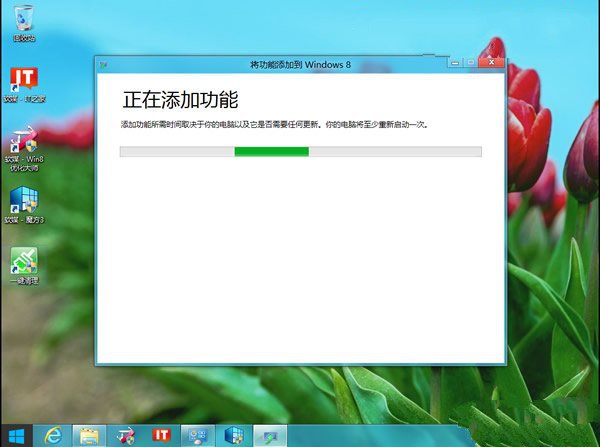
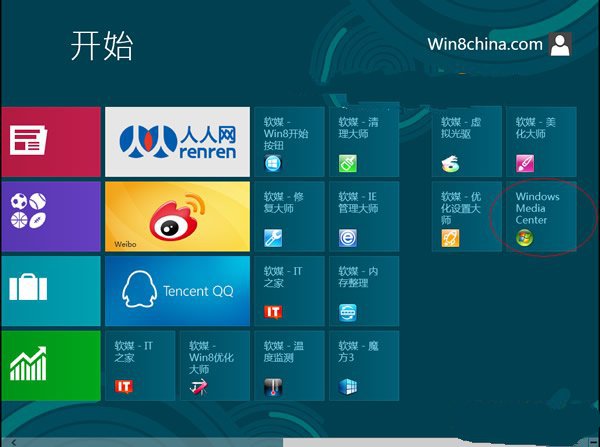
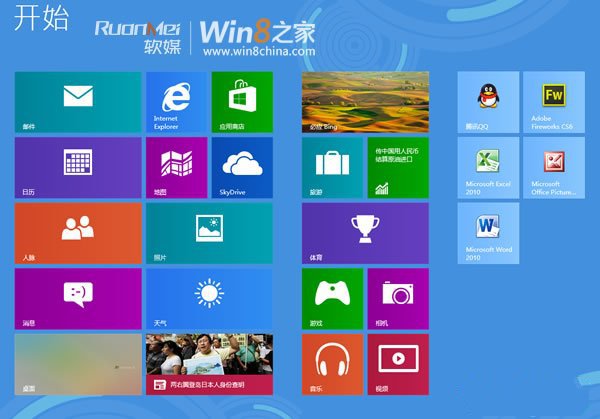
注意:此金鑰僅適用於特定版本,請確認相容性。
Windows 8.1 Update 更新錯誤 80070020/80073712/0x800f081f 修復方案
Windows 8 IE10 關閉 SmartScreen 篩選器完整教學:兩種關閉管道與安全性權衡
將 Windows Server 2008 域控制器加入 Windows 2000/2003 網域完整指南
Win8 任務列輸入法圖示消失?開啟系統圖示「輸入指標」或建立 Scm 資料夾雙重保險
Windows 8 平板八大必知:2012 年中發布、規格主流、外型似 iPad、商業導向、觸控新介面、應用商店、USB 埠、價格對標 Android