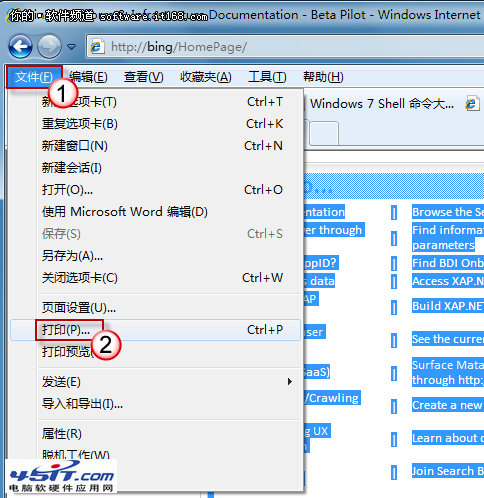
安裝 IE9 後不滿意想回 IE8?IE9 安裝時自動覆蓋 IE8,還原方法極簡單:
系統自動還原 IE8,無需下載舊版安裝檔,官方標準回滾流程,安全可靠。
Windows 7 系統映像備份還原完整解析:超越 Ghost 的靈活備份、排程自動化、網路儲存支援
深度解析 Windows 7 電源管理:方案、自訂、行動中心三大支柱
巧設讓 Windows 7 睡眠也能下載:啟用 Away Mode 離開模式
Win7 系統九大不可關閉的核心服務詳解
我的選單我做主:Win7 開始選單自訂設定(一):隱藏最近項目、釘選常用程式
Windows 7 定時關機批次檔:一分鐘前提醒、可自訂排程
Win7 密碼重設磁碟建立與使用完整教學:忘記密碼不求人
Win7 開機卡在「安裝程式正在為首次使用電腦做準備」:誤觸 oobe 檔案修復實錄