原因分析
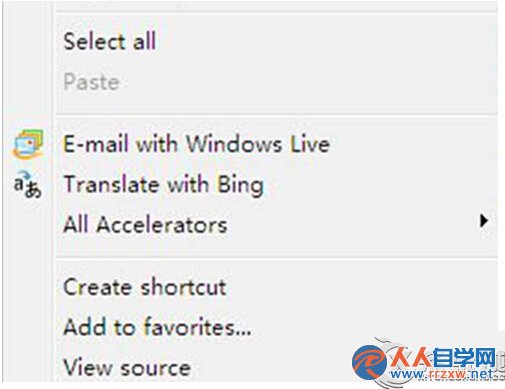
中文版 Win7 升級 IE 時(如 IE8→IE9)誤安裝英文版安裝包,導致介面語言變為英文。
解決方法
方法一:安裝對應版本中文語言包
- 前往 Microsoft 官網下載該 IE 版本的中文語言包(如 Internet Explorer 9 Language Pack for Windows 7)。
- 安裝完成後重新開機,IE 介面即恢復中文。
方法二:解除安裝回滾至舊版
- 控制台 → 程式和功能 → 檢視已安裝的更新 → 找到該 IE 更新(如
Internet Explorer 9) → 解除安裝。
- 重新開機後自動回到先前中文版 IE(如 IE8)。
建議
Windows 7 官方支援已結束,建議改用 Chrome、Edge、Firefox 等現代瀏覽器,獲得更好安全性與相容性。