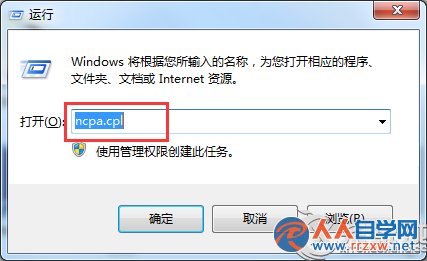
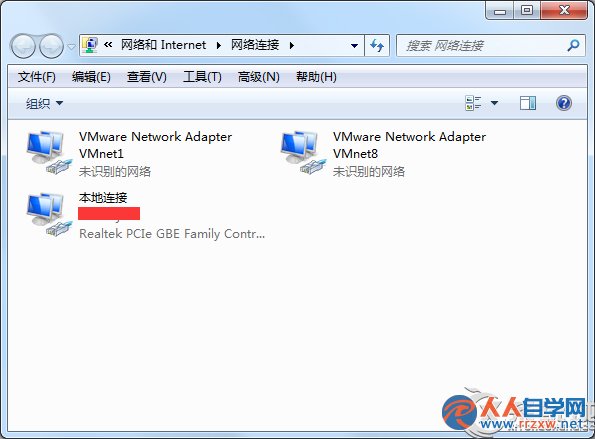
ncpa.cpl
C:\Windows\System32\
shell32.dll
control.exe
appwiz.cpl
sysdm.cpl
intl.cpl
在檔案總管網址列輸入 shell:::{Control Panel GUID} 或直接建立 ncpa.cpl 捷徑置於桌面/工作列,單點即達網路設定。
shell:::{Control Panel GUID}
Win7 系統字體改太多想還原?一鍵恢復預設字體設定教學
Win7 C 槽神秘佔用揭秘:hiberfil.sys 與 pagefile.sys 怎麼處理
Win7 如何停用 IPv6 協定?網路介面卡內容取消勾選即可禁用
Windows 7 建立密碼重設磁碟 避免忘記密碼鎖機尷尬
Win7 百度網盤下載慢?瀏覽器極速模式 + HTTPS 協定喚醒迅雷加速實測有效
徹底解決 Win7 SP1 安裝提示「缺少組件」:還原驅動程式備份資料夾
微軟正式釋出 Win7 版 IE10 瀏覽器,硬體加速與 HTML5 體驗大幅提升
Win7 右鍵選單缺少「藍牙傳送」?建立 fsquirt.exe 捷徑加入「傳送至」選單