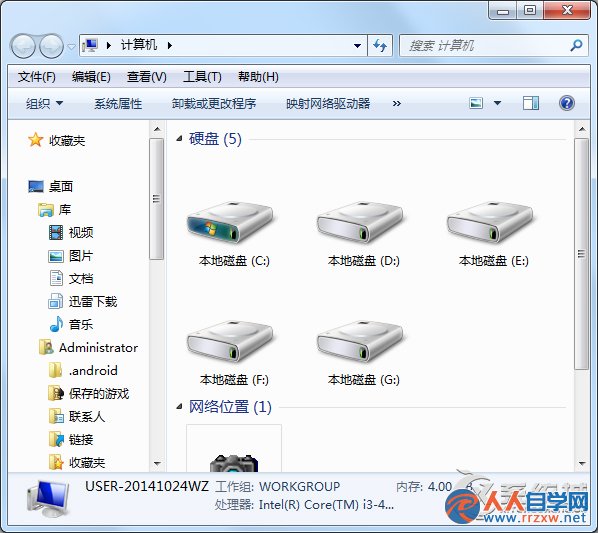
使用優化軟體或手動移除元件後,「開始」→「所有程式」→「附屬應用程式」中消失了「錄音機」。
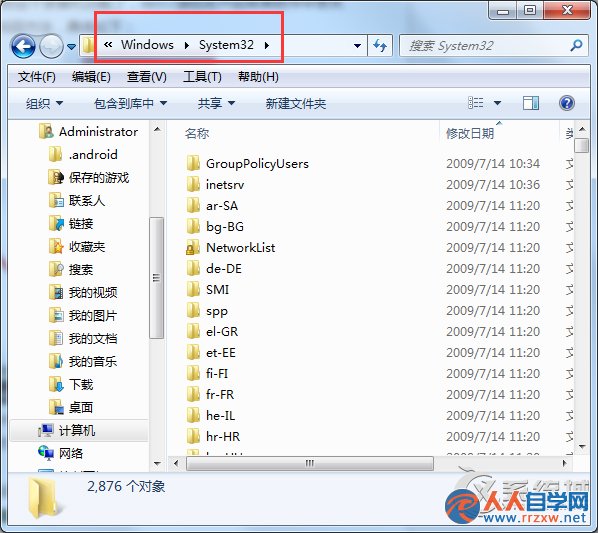
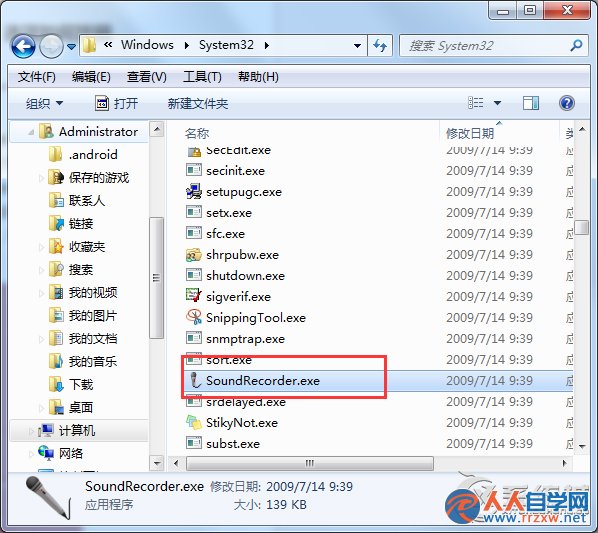
C:\Windows\System32\
SoundRecorder.exe
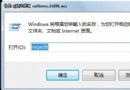
直接按 Win + R 輸入 soundrecorder 也可立即啟動錄音機,無須建立捷徑。
soundrecorder
Win7 「裝置和印表機」無法開啟?驅動、服務、系統檔三大修復方向
電腦誤刪檔案如何救回?資料救援軟體五步驟完整操作流程
Win7 如何關閉開機自動掃描安裝驅動程式?裝置安裝設定「絕不安裝」完整教學
重裝 Win7 後搜尋不到無線網路?兩大原因與對策
Win10/Win7 雙系統開機磁碟自檢?關閉快速啟動與修改登錄表雙管齊下
Win7 縮圖顯示錯亂/不顯示?磁碟清理刪除縮圖快取一鍵修復
Win7 無法安裝英雄聯盟?五大排查步驟解決
Win7 使用 Windows Movie Maker 剪輯音訊檔案完整教學(匯入、分割、匯出 WMA)