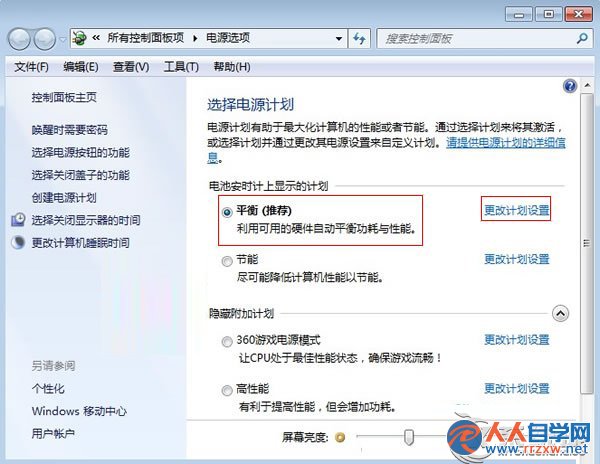
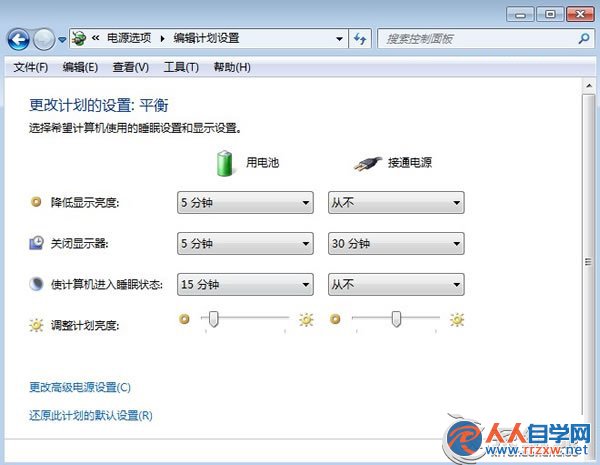
平衡模式兼顧效能與續航,配合螢幕關閉與亮度調整,日常辦公續航可提升 20-30%。
Win7 開機黑屏只有滑鼠游標?Ctrl+Alt+Del 呼叫工作管理器啟動 explorer.exe 完整修復
解決 Win7 系統 USB 隨身碟無法自動播放的方法
Win7無法顯示繁體中文、出現亂碼?語言包安裝與非 Unicode 程式語言設定完整教學
禁止 Win7 桌面自動產生捷徑,登錄檔一鍵設定
Win7 已啟用卻黑屏?卸載顯卡驅動重裝一鍵修復
Windows 7 建立還原點完整圖文教學
Win7 環境下手動搭建 Apache + PHP + MySQL (WAMP) 完整教學
Win7 任務列時間改 24 小時制教學:短時間格式設為 HH:mm 即可