fdisk
fdisk /mbr 修復主開機磁區損毀。
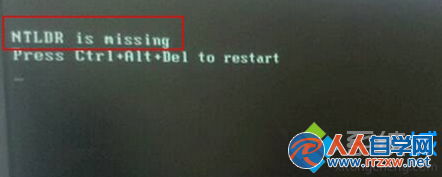
由輕至重依序嘗試,多數 NTLDR 遺失可在前兩步解決。
Win7 任務列不顯示最小化視窗?重設 Explorer 與登錄快速修復
Win7旗艦版開機黑屏左上角光標閃爍?兩大解決方案快速修復
Win7 建立虛擬網卡後網速變慢?關閉 Large Send Offload 即可改善
Win7 系統啟用完整指南:四大主流啟用方式優缺點比較
Win7 PE 硬碟安裝教學:建立 Recovery 分區啟動 Win7PE
解決 Windows 7 資源管理器雙擊資料夾總在新視窗開啟問題
Win7 下 localhost vs 127.0.0.1 效能差百倍?IPv6 解析導致 PHP 連線嚴重延遲
Win7 設定螢幕保護程式完整教學:個人化與控制台雙路徑