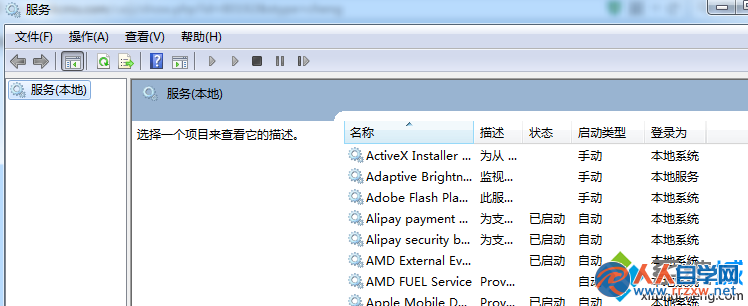
PS CS3 授權驗證仰賴 FLEXnet Licensing Service,預設為手動/停用導致啟動失敗。
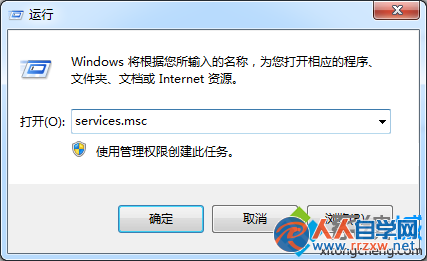
services.msc
服務啟動後 PS CS3 即可正常授權啟動,同理適用於其他採用 FLEXnet 授權的舊版軟體。
Windows 7 IIS 7.5 架站全紀錄:啟用、管理介面、PHP+MySQL 環境建置
Win7 開機報錯 svchost.exe?msconfig 禁用啟動項與 Windows Driver Foundation 服務修復
Win7 隱藏/顯示資料夾完整教學:資料夾選項與屬性雙管道操作
Win7 不斷彈出「Windows 偵測到硬碟問題」?關閉 DiskDiagnostic 排程任務暫時靜音,但須立即備份換碟
Win7 與 XP 局域網互訪不了?建立 XP「網上鄰居」捷徑到 Win7 破解
Win7 防火牆進階設定:允許/封鎖特定程式存取網路
Win7 撥號上網不出現連線介面?寬帶連線屬性勾選「撥號時顯示進度」與「提示名稱密碼」恢復
Win7 如何設定自動網路校時?同步網際網路時間伺服器讓電腦時間永遠精準