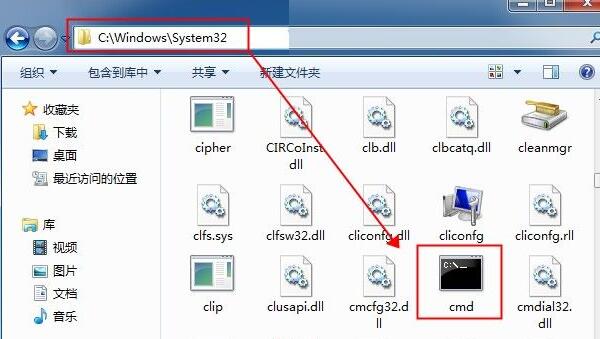
Win7 執行 cmd 跳出「Windows 找不到檔案」,主因 C:\Windows\System32\cmd.exe 遺失或損壞。從相同版本正常系統複製該檔案覆蓋即可修復。
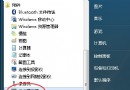
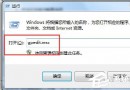
cmd
C:\Windows\System32\cmd.exe
C:\Windows\System32
cmd.exe
此法適用於系統關鍵執行檔遺失情況,亦可用於修復其他遺失的系統檔案。
Windows 7 建立密碼重設磁碟:隨身碟一鍵製作,忘記密碼也能輕鬆重設
Win7取消游戏资源管理器记录玩过游戏历史:隐私保护一键关闭
Win7 新增印表機完整圖文教學:本地/網路印表機都能裝
電腦黑屏提示檔案損壞遺失?除重灌系統外的搶救方法
Win7 Word 如何批次匯出文件內所有圖片?另存為網頁格式自動分離圖片資料夾
Win7卸载软件后残留托盘图标清理:注册表删除TrayNotify下IconStreams和PastIconsStream键值
Win7 更改 IE 暫存檔(快取)儲存路徑,避免 C 槻爆滿
Win7 上網慢、無法開啟二級連結?DNS 被竄改解決方案