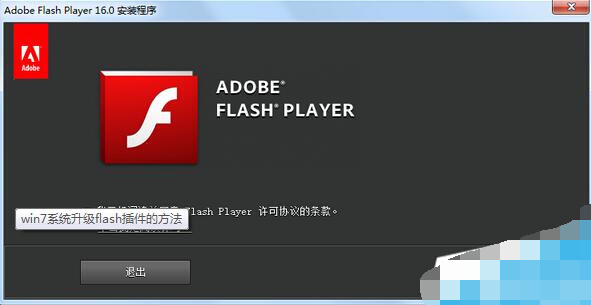
Flash Player 已於 2020/12/31 終止支援,現代瀏覽器皆內建移除。若舊系統確需運行 legacy Flash 內容,可手動開啟自動更新(僅供離線/隔離環境使用)。
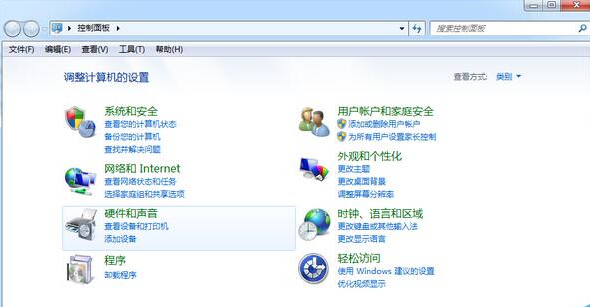
重要提醒:Adobe 已封殺 Flash 內容播放,且存在嚴重安全漏洞。強烈建議完全移除 Flash Player (控制台→程式和功能→解除安裝 Adobe Flash Player),改用 HTML5 替代方案。
Win7 掃毒後無法關機?登錄 PowerdownAfterShutdown 與 sfc 修復系統檔
Windows 7 磁碟寫入保護無法複製檔案?註冊表 WriteProtect=0 與 USB 原則調整雙重解除
順聯動力為何免費?深度解析「互聯網思維」下的商業模式邏輯
Win7 縮圖顯示錯亂/不顯示兩大修復法:磁碟清理刪除縮圖快取、手動刪除 thumbcache 資料庫檔案
Win7 更新補丁後關機總跳出「強制關機」視窗?群組原則啟用自動終止阻礙應用程式
Vista 新增印表機提示「列印後台服務未啟動」?一鍵啟動 Print Spooler 解決
360問答頻繁彈出驗證碼無法登入?原因與解決辦法
Win7 工作列同類程式群組預覽改單點切換:登錄檔 LastActiveClick 讓多視窗切換更高效