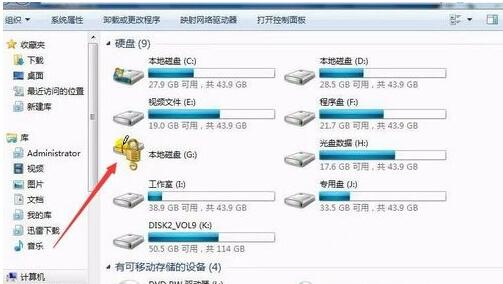
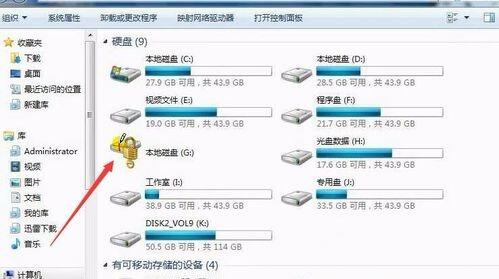
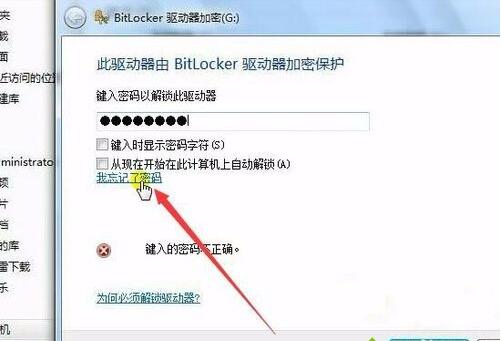
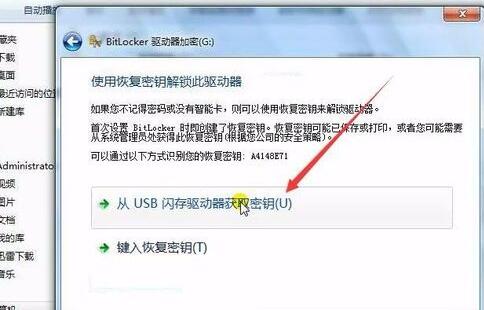
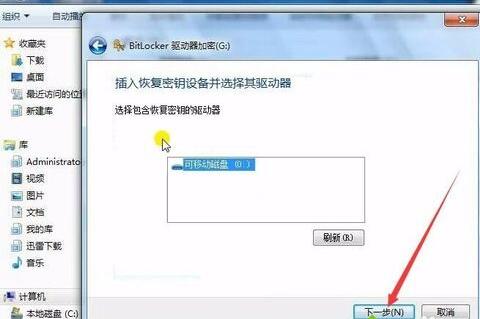
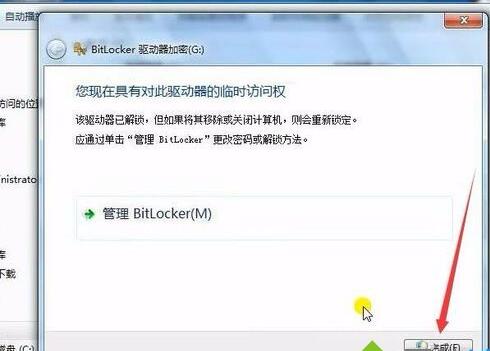
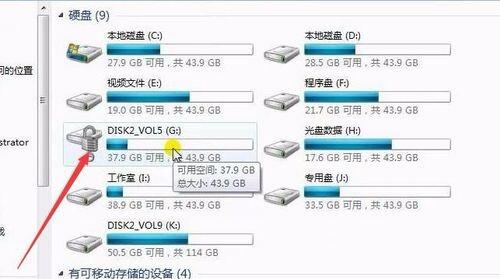
BitLocker 加密磁碟忘記密碼?若加密時備份了復原金鑰到 USB,插入 USB → 選「忘記密碼」→「從 USB 隨身碟取得金鑰」→ 按提示完成解鎖,資料秒回。
⚠️ **前提:加密時必須選擇「儲存復原金鑰到 USB/檔案/列印」並妥善保管。** 無金鑰又忘密碼 = 資料永久無法存取。建議金鑰多地備份 (USB+雲端+列印)。
Win7 驅動衝突導致滑鼠鍵盤失效?裝置管理員更新 HID 裝置驅動解決
Windows 7 如何禁用鍵盤 Power 鍵 (電源鍵) 避免誤關機?電源選項設定無動作
這樣的電腦配置大概多少錢?高端神機價格參考與詢價建議
Win7 徹底移除印表機與驅動程式:解決刪除後自動重裝問題
微軟確認:Win7/8.1 庫存須於 2016 年 10 月 31 日前清空
Win7 登入 QQ 遊戲大廳畫面空白?清理快取、關閉 P2P、更換瀏覽器嘗試
手機連電腦熱點看「那種網站」,電腦會中毒嗎?
Win7 QQ 能上線卻開不了網頁?三大排查方向修復 DNS/Proxy 異常