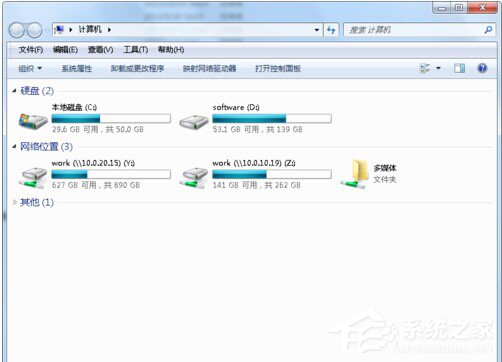
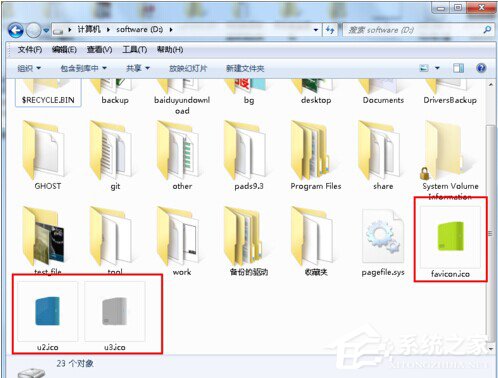
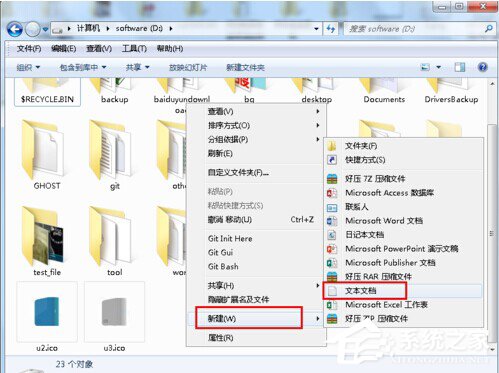
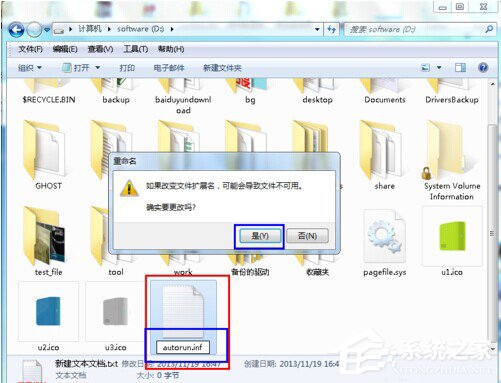
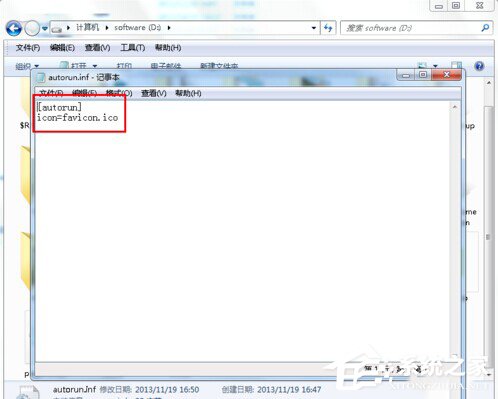
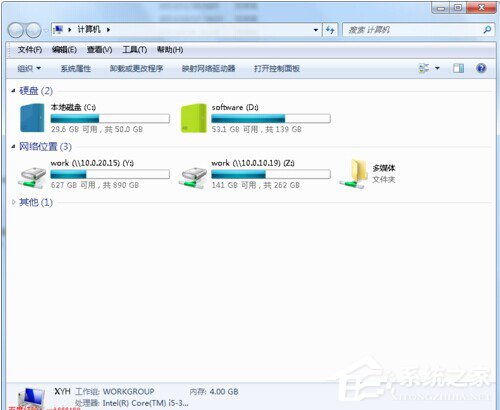
磁碟機圖示變成預設或空白,同樣可用 autorun.inf 指定 favicon.ico 修復。步驟與自訂圖示相同。
autorun.inf
favicon.ico
[autorun]
icon=favicon.ico
同樣不適用於網路對應磁碟機。
Windows 7 运行冒险岛提示兼容性问题:程序兼容性疑难解答自动修复
Win7 資料夾加密三大實用教學:隱藏、壓縮加密、專業軟體
Win7 打字游標亂跑怎麼辦?滑鼠、滑鼠墊、設定三大面向排查
Windows 7 如何重裝系統?U 盤 PE + Ghost 還原完整教學 (同 86395)
Win7 新增「列印目錄」右鍵選單功能,一鍵批量列印資料夾內所有檔案清單
Win7 系統 Direct3D 功能無法使用?完整排查與修復指南
Win7 如何實現 3D 桌面?內建立體切換與 BumpTop 兩大方案教學
VirtualBox 安裝 Windows 7 虛擬機完整指南:從建立到進入系統