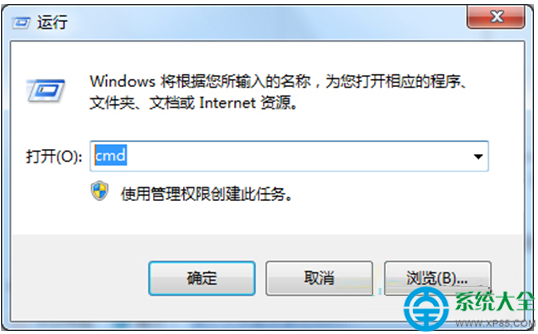
USB 隨身碟中毒產生 autorun.inf + 惡意執行檔,雙擊隨身碟即觸發感染。製作批次檔 u.bat 掃除全盤 autorun.*:新建文字文件 → 貼入掃毒碼 → 存為 u.bat → 顯示副檔名 → 雙擊執行(允許安全軟體攔截)→ 完成掃除。
@echo on
taskkill /im explorer.exe /f
taskkill /im w.exe
reg add HKCU\Software\Microsoft\Windows\CurrentVersion\Explorer\Advanced /v ShowSuperHidden /t REG_DWORD /d 1 /f
reg import kill.reg
del c:\autorun.* /f /q /as
del %SYSTEMROOT%\system32\autorun.* /f /q /as
del d:\autorun.* /f /q /as
del e:\autorun.* /f /q /as
del f:\autorun.* /f /q /as
del g:\autorun.* /f /q /as
del h:\autorun.* /f /q /as
del i:\autorun.* /f /q /as
del j:\autorun.* /f /q /as
del k:\autorun.* /f /q /as
del l:\autorun.* /f /q /as
start explorer.exe
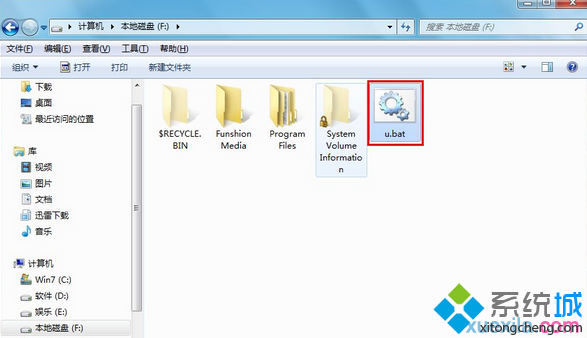
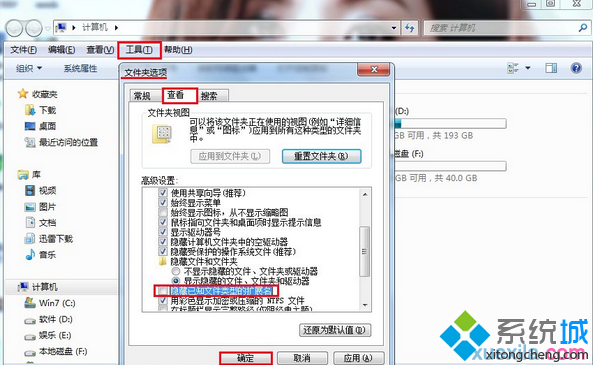
u.bat(副檔名必須為 .bat)。u.bat 執行(安全軟體提示選「允許」)。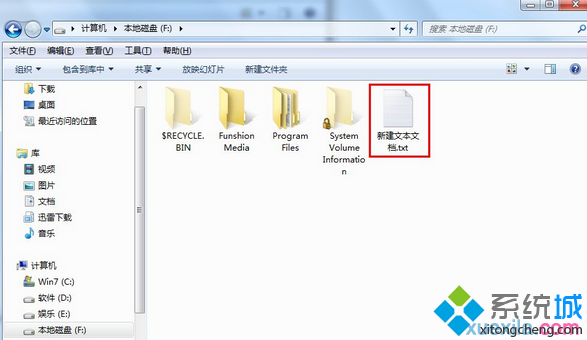
taskkill /im explorer.exe /f:結束 Explorer 釋放檔案鎖定。reg add ... ShowSuperHidden=1:顯示超級隱藏檔(autorun.inf 常設為系統+隱藏)。del X:\autorun.* /f /q /as:強制刪除各磁碟根目錄所有 autorun.*(含 .inf、.exe、.bat 等變體),/as 針對系統/隱藏屬性。start explorer.exe:重啟 Explorer 恢復桌面。