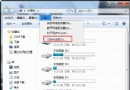
Windows 7 出現「伺服器執行失敗」錯誤,常因資料夾選項設定異常、explorer.exe 損毀或病毒感染導致。嘗試以下修復流程:
方法一:重設資料夾選項(最快解決)
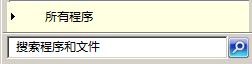
- Win 鍵搜尋「資料夾選項」並開啟。

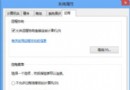
- 在「檢視」頁籤點選「重設資料夾」,確認提示選「是」。
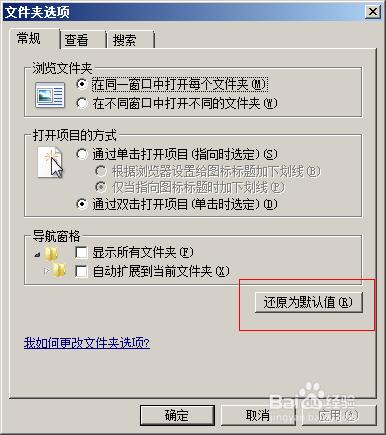
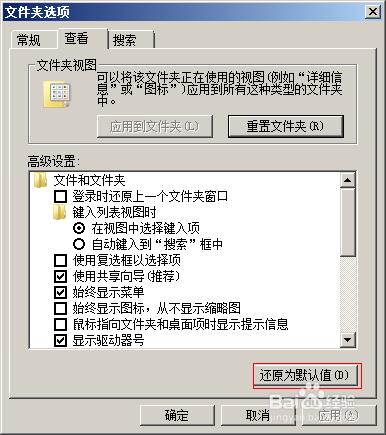
- 點選「套用」→「確定」,重開機驗證是否解決。
方法二:系統檔案檢查器 (SFC) 修復
- 以管理員身分執行命令提示字元(Win → 輸入
cmd → Ctrl+Shift+Enter)。
- 輸入
sfc /scannow 等待掃描修復完成。
方法三:病毒掃描與系統還原
- 完整掃描病毒(建議離線掃描模式)。
- 若近期安裝新軟體/更新後發生,嘗試「系統還原」回復至先前還原點。
若以上均無效,可能為 explorer.exe 核心檔案損毀,建議備份資料後重灌系統。