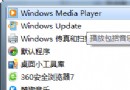
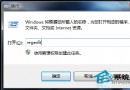
Win7 日期時間無法變更、自動跳回錯誤時區,通常是登錄檔時區資料損毀。匯入修正後的 China Standard Time 鍵值即可恢復正常。
Windows Registry Editor Version 5.00

[HKEY_LOCAL_MACHINE\SOFTWARE\Microsoft\Windows NT\CurrentVersion\Time Zones\China Standard Time]
"Display"="(GMT+08:00) 北京,重慶,香港特別行政區,烏魯木齊"
"Dlt"="中國夏季時間"
"Std"="中國標準時間"
"MapID"="-1,75"
"Index"=dword:000000d2
"TZI"=hex:20,fe,ff,ff,00,00,00,00,c4,ff,ff,ff,00,00,00,00,00,00,00,00,00,00,00,\
00,00,00,00,00,00,00,00,00,00,00,00,00,00,00,00,00,00,00,00
fix_tz.reg(副檔名 .reg)。explorer.exe,時間即可正常修改。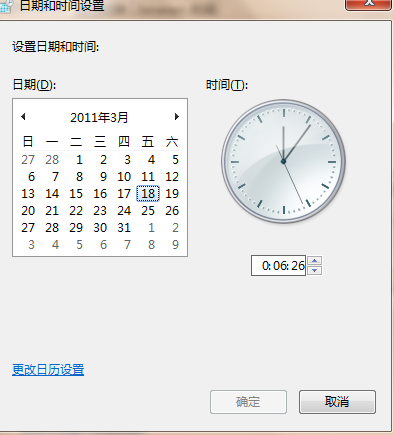
補充:若問題持續,檢查 CMOS 電池是否沒電(開機時間重置)、或在「日期和時間」→「網際網路時間」啟用「與網際網路時間伺服器同步處理」(time.windows.gov、pool.ntp.org)。