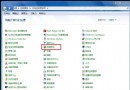
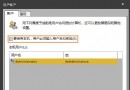
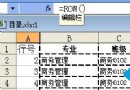
右鍵桌面/資料夾找不到「新建」子選單,登錄表 ContextMenuHandlers\New 項目遺失或預設值錯誤。修復:
regedit。HKEY_CLASSES_ROOT\Directory\Background\shellex\ContextMenuHandlersNew。New,右側「預設」值雙擊 → 數值資料填:{D969A300-E7FF-11d0-A93B-00A0C90F2719}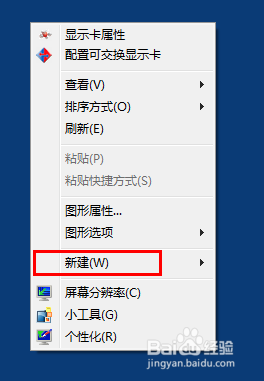
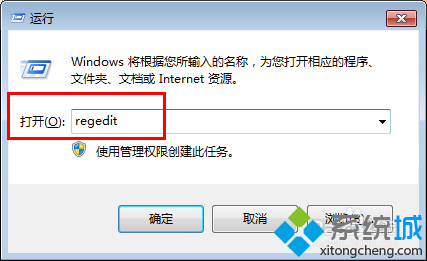
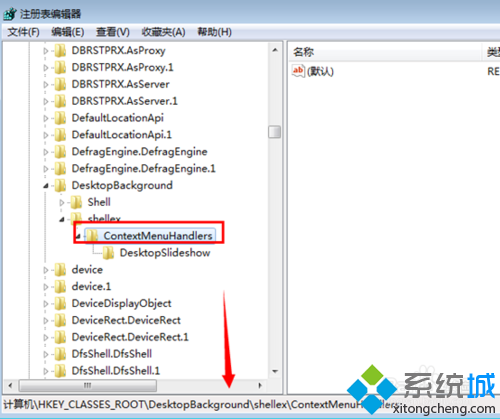
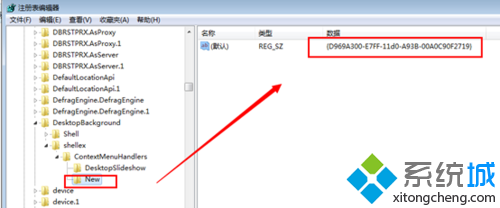
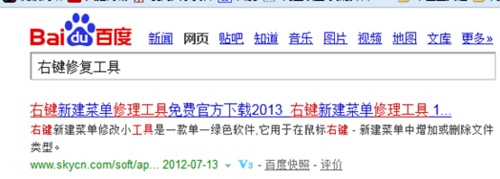
替代方案:下載「右鍵新建修復工具」一鍵修復,或用 FileTypesMan (NirSoft) 圖形化管理。
Win7 藍屏代碼 0x00000023 解決方法?安全模式執行 CHKDSK /F 修復檔案系統
Win7 使用 iTunes 連接 iPad/iPhone 完整教學:驅動安裝、信任配對、同步備份
Win7右鍵菜單沒有「新建」選項怎麼修復?BAT腳本與注冊表雙修復法
Win7 如何建立寬帶撥號連線並設定桌面捷徑?網路和共用中心 → 設定新連線 → 輸入帳號密碼 → 建立捷徑到桌面
Win7 運行程式提示缺少 rasman.dll?系統檔案修復 + 註冊 DLL 完整修復指南
宏基筆電開機卡在 Acer 畫面顯示 Press F2 to Setup 怎麼辦?