需固定 IP(如伺服器、列印伺服器、特定網路環境):
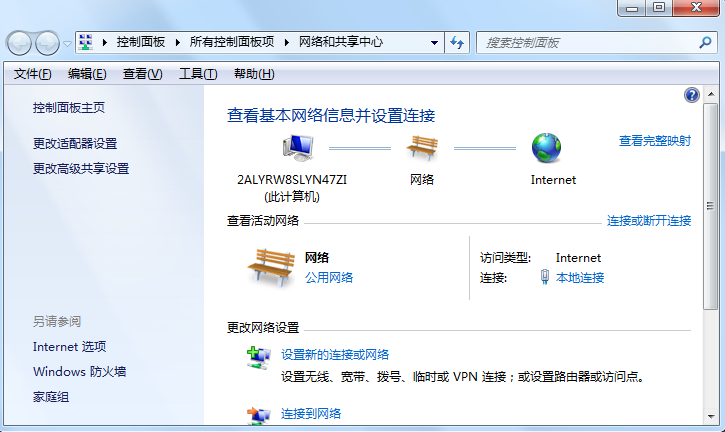
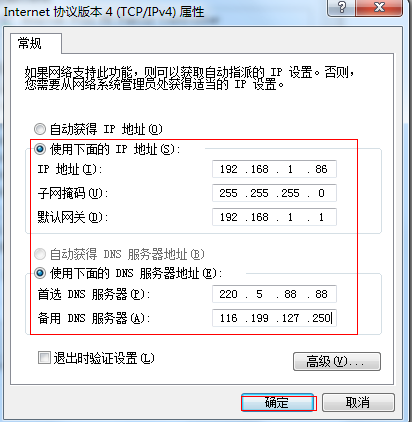
常用保留 IP 範例(家用路由器通常 192.168.1.x/192.168.0.x):
設定後 Win+R → cmd → ipconfig /all 驗證生效。
Win7 安裝配置 IIS 完整圖文教學:開啟 Windows 功能、勾選所有元件、新增網站、設定資料夾權限
系統之家精選:企業部署 Windows 7 七大必備工具箱 (ACT、MAP、USMT、WAIK、DISM、MDT、WDS)
Win7 系統建立寬帶連線(PPPoE)完整圖文教學與常見錯誤代碼對照表
Win7 連接小米藍牙耳機提示「週邊裝置安裝不成功」解決方案
新電腦 U 盤不顯示?插後置 USB、裝驅動、換口/換盤排查
Windows 7 Explorer.exe 錯誤 0xc0000142 三大修復方案