Windows 7 在安裝某些 VPN、虛擬機器或行動寬頻軟體後,會在「網路連線」中產生大量隱藏的介面卡(如 Teredo、6to4、ISATAP 隧道介面卡),導致介面卡清單冗長。可透過命令提示字元一次停用這些 IPv6 過渡技術介面卡,清理裝置管理員與網路連線顯示。
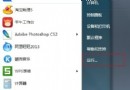
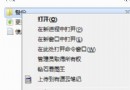
cmd 按 Enter 開啟命令提示字元(建議以系統管理員身分執行)。netsh interface teredo set state disabled
netsh interface 6to4 set state disabled
netsh interface isatap set state disabled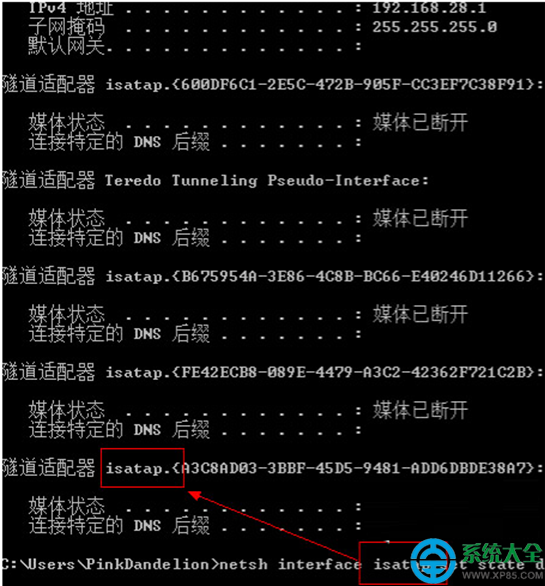
disabled 改為 default 或 enabled 恢復。透過三行指令即可讓 Win7 網路介面卡清單回歸乾淨,適合精簡系統或排除網路疑難雜症時使用。