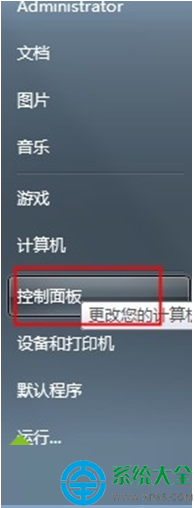
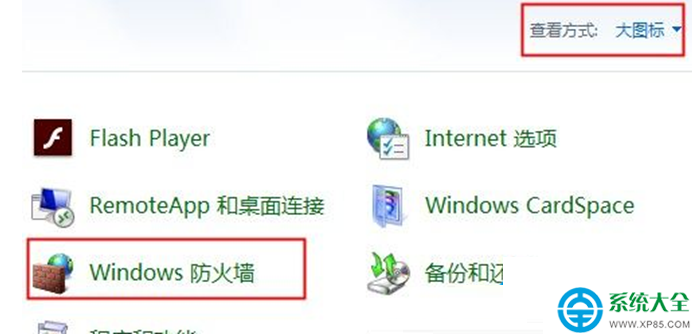
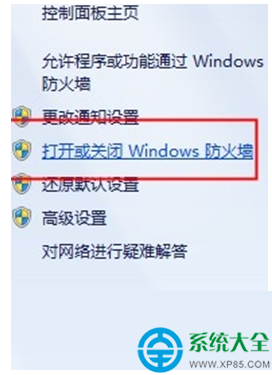
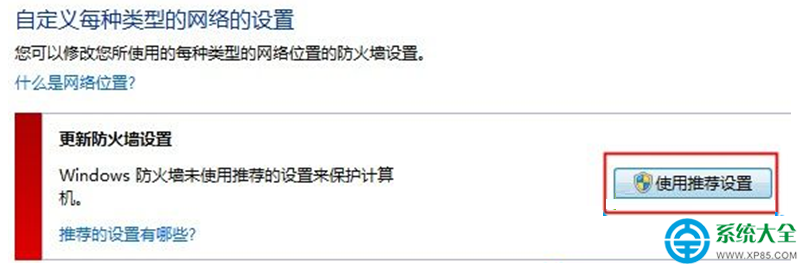
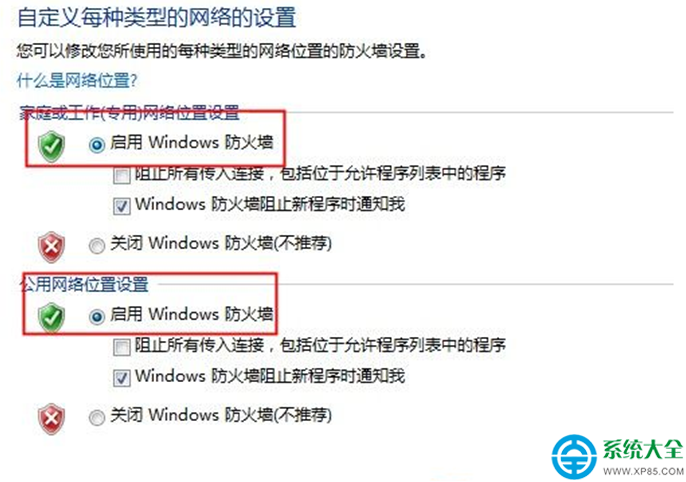
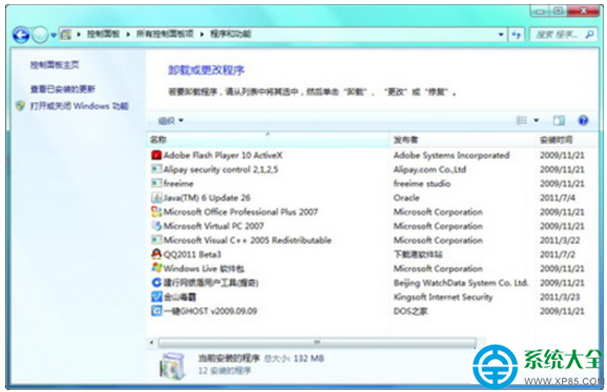
Windows 7 安裝軟體或更新時出現錯誤 0x800706d9,主因同樣是 Windows 防火牆服務未啟動。解決方式與錯誤 80070003 相同,請依下列步驟啟用防火牆。
啟用防火牆服務後,重新執行安裝程式通常即可成功。若仍失敗,請檢查 Windows Installer 服務是否正常執行。
Win7 指令秒除開機密碼:control userpasswords2 取消勾選免輸入帳號密碼
Win7 系統如何更換 UC 瀏覽器皮膚?個性化介面完整教學
Win7最低配置要求是多少?官方標準與實測體驗對比
Win7 開機持續長鳴進不了系統?記憶體條氧化/鬆動/損壞排查修復
Win7 如何關閉語音辨識功能?透過控制台輕鬆停用開機自動啟動
CDR 製作繽紛五彩標誌教學:動態圖解一學即會
syntpenh.exe 是什麼程序?筆電觸控板相關程式可安全關閉
Win7 QQ音樂桌面歌詞不見了?右鍵選單啟用、縮放、鎖定完整操作指南