Windows 7 開機時彈出 nvstreamsvc.exe - 應用程式錯誤 視窗,導致 NVIDIA GeForce Experience 串流服務無法啟動。通常因顯卡驅動殘留或 GeForce Experience 設定衝突,提供兩種修復方案。
方案一:完整重裝顯卡驅動(建議用 360 驅動大師)
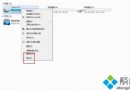
- 開啟「控制台」→「程式和功能」,解除安裝所有 NVIDIA 相關項目:NVIDIA Graphics Driver、GeForce Experience、NVIDIA PhysX、NVIDIA HD Audio Driver 等。
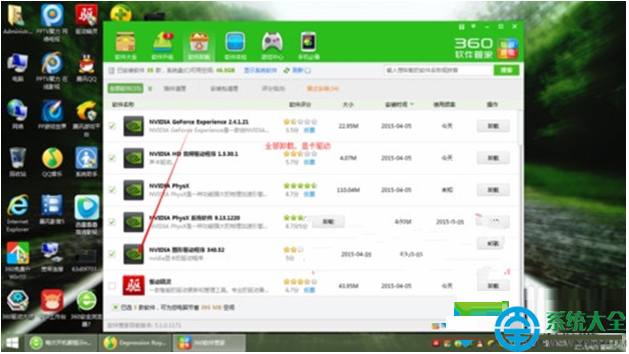
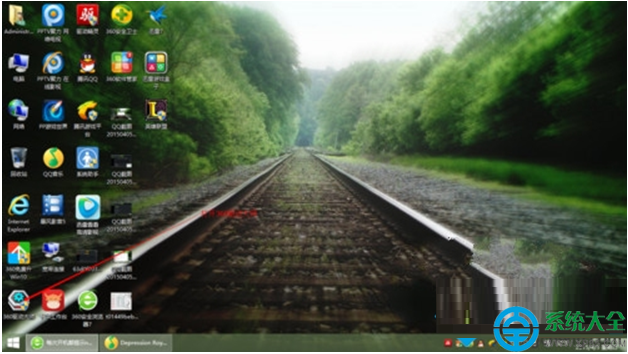
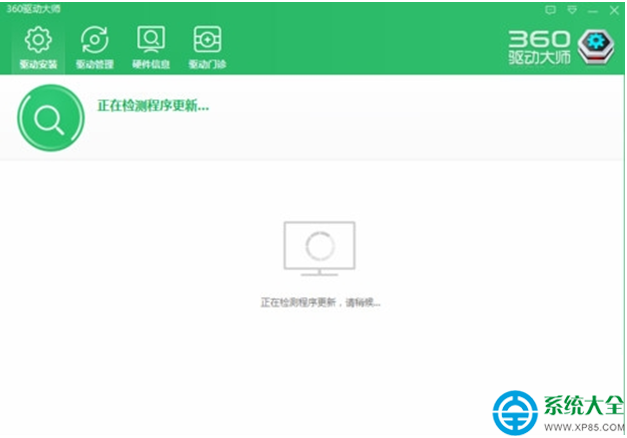
- 使用 360 驅動大師(或 NVIDIA 官網下載對應型號驅動)重新安裝顯卡驅動,勿使用其他第三方驅動軟體,易殘留舊版元件導致錯誤復發。
- 安裝完成重開機,錯誤訊息消失。
方案二:關閉 GeForce Experience 內的 GameStream 功能
- 右鍵任務列 NVIDIA 圖示開啟 GeForce Experience。
- 左側選單點擊 GameStream,關閉「啟用 GameStream」開關。
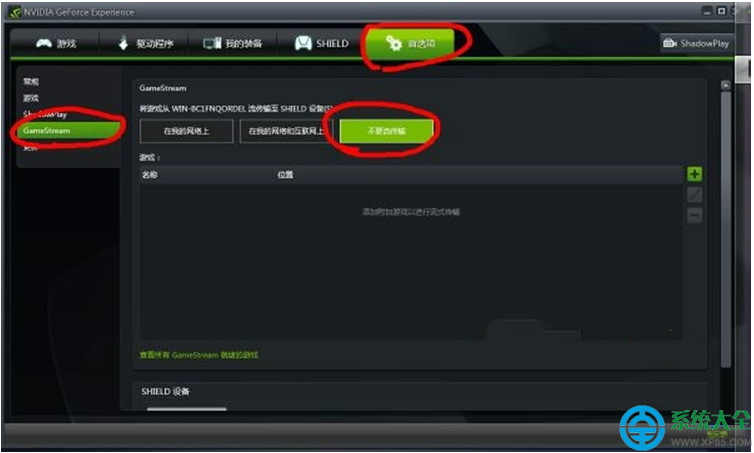
- 若介面無 GameStream 選項,請改用方案一完整重裝驅動。

原因: nvstreamsvc.exe 是 GameStream 串流服務進程,驅動版本不匹配或設定檔損毀會導致啟動崩潰。方案一徹底重建環境,方案二僅停用該功能。