安裝 Office 後,Win7 桌面或資料夾右鍵「新增」選單中缺少「Microsoft Word 文件」、「Excel 工作表」、「PowerPoint 簡報」等選項。這是因為登錄表中對應副檔名的 ShellNew 鍵值遺失或數值錯誤。透過修改登錄表即可恢復。
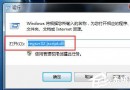
regedit 開啟登錄編輯器。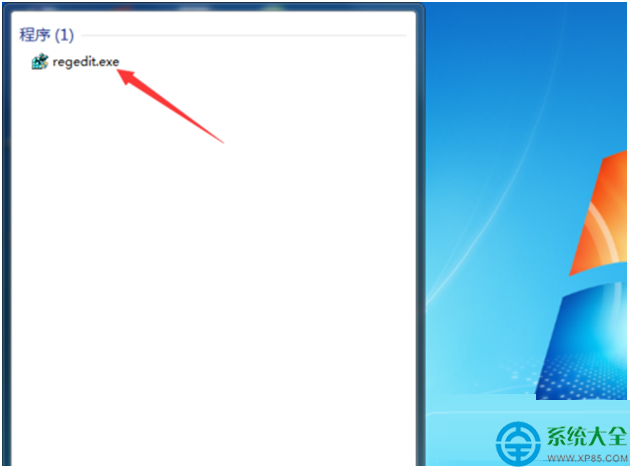
HKEY_CLASSES_ROOT\.doc(Word 97-2003)或 HKEY_CLASSES_ROOT\.docx(Word 2007+).doc 或 .docx 鍵,右側找到 (預設) 值,雙擊確認其數值資料為 Word.Document.8(或 Word.Document.12)。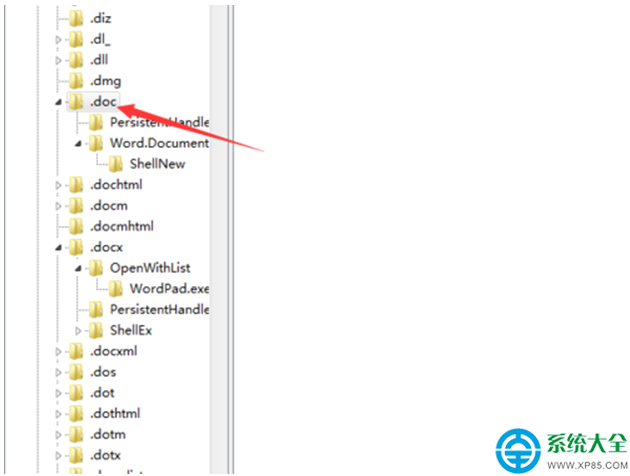
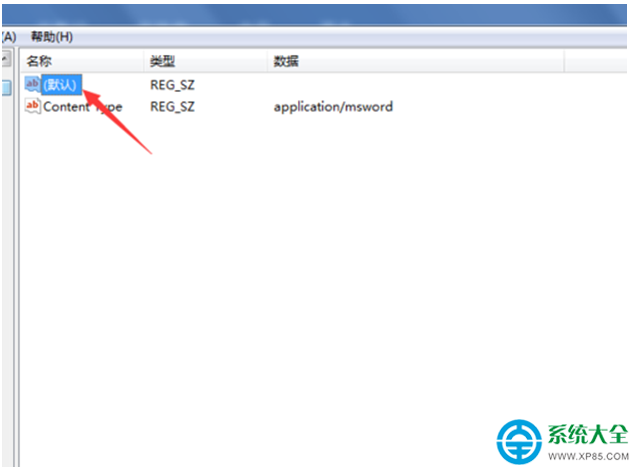
Word.Document.12),確定。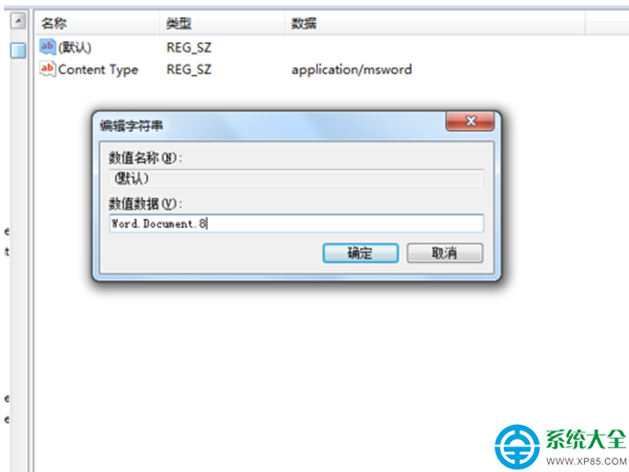
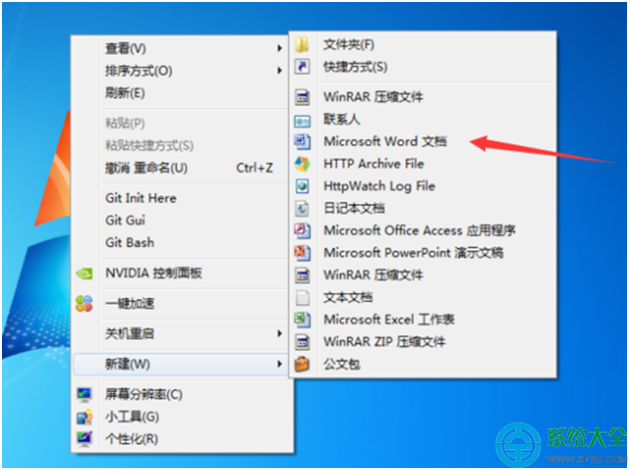
.xls / .xlsx → 數值設為 Excel.Sheet.8 / Excel.Sheet.12。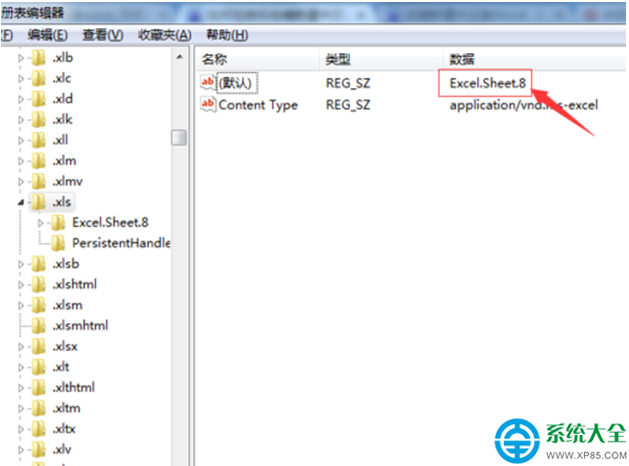
.ppt / .pptx → 數值設為 PowerPoint.Show.8 / PowerPoint.Show.12。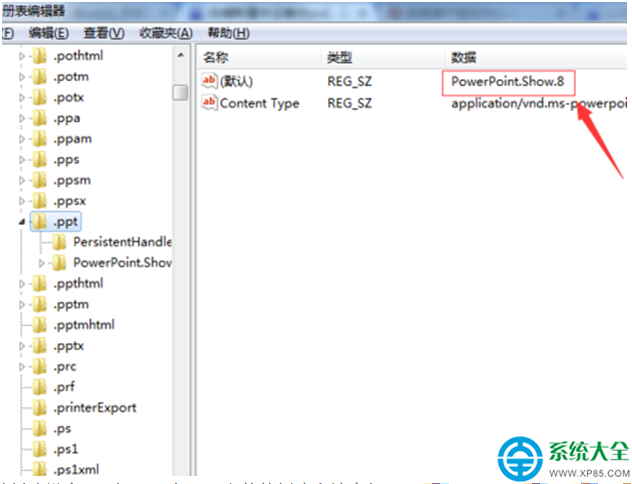
注意:版本號(8/12/16 等)視安裝 Office 版本而定,可在 HKEY_CLASSES_ROOT\Word.Document.12\ShellNew 等鍵值下確認正確字串。