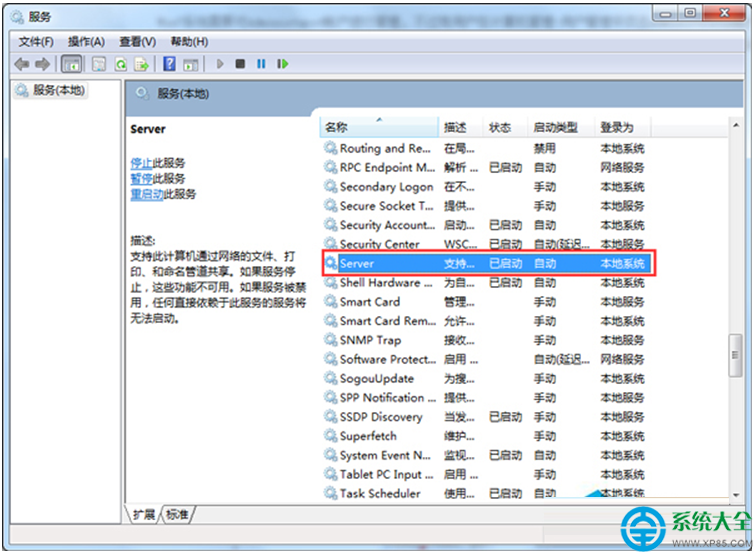
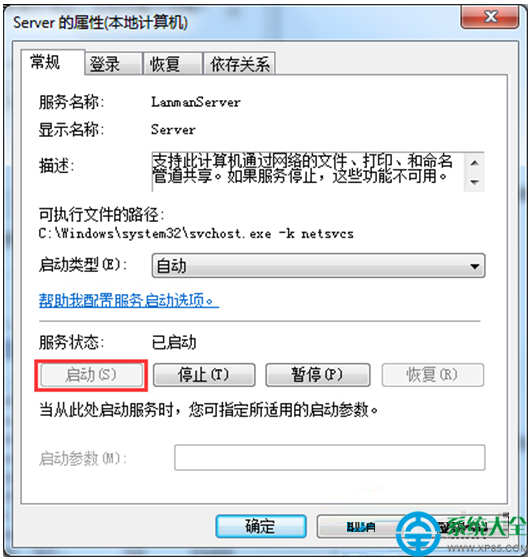
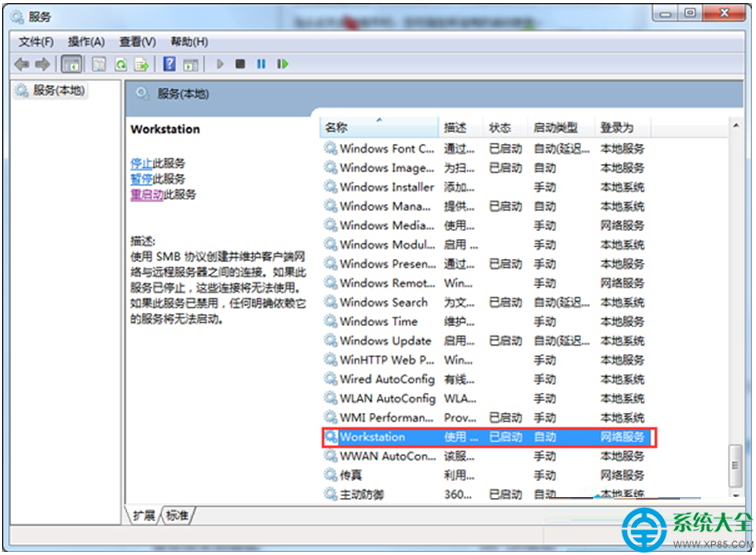
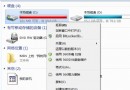
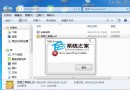
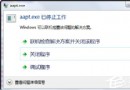
Windows 7 管理工具中嘗試開啟「本機使用者和群組」→「使用者」→「Administrator」屬性時跳出錯誤視窗,無法檢視或編輯內建管理員帳戶。此為 Server 與 Workstation 服務被停用導致,啟用即可解決。
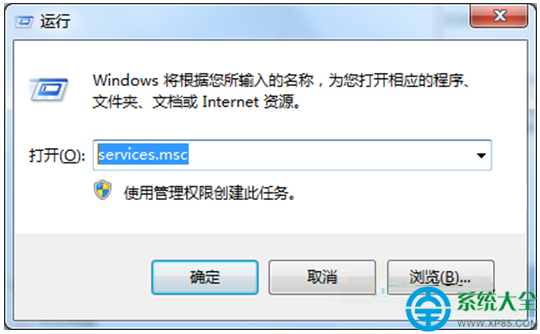
services.msc
原因分析: Server 服務支援檔案/列印/命名管道共享,Workstation 服務支援連接遠端共享資源;兩者停用會導致本機安全性資料庫 (SAM) 讀取失敗,進而無法載入使用者屬性。
Win7 IE 瀏覽器開多個視窗重疊顯示?任務列「永不合併」設定解決
Win7 如何安裝 Telnet 服務?開啟 Windows 功能與啟動服務兩步驟
Win7 顯卡故障檢測全攻略:藍屏分析、硬碟 SMART、記憶體測試、壓力測試一次看懂
Win7 精简字体提速实测:删除 60 多款无用字体,开机快 5 秒、Office 快 2 秒
Win7 連上網路卻無法上網?網路診斷與排除完整指南
Win7 提升滑鼠指標精確度?一鍵開啟「增強指標精確度」設定
Win7 閒置自動關機?檢查硬體驅動更新與滑鼠鍵盤喚醒權限
Win7 無法登入路由器管理介面?設定電腦固定 IP 同網段