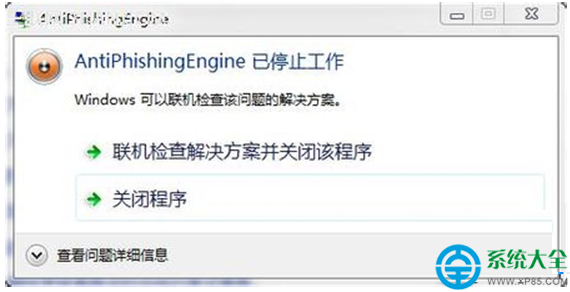
磁碟重組後系統提示錯誤、資料夾文字變亂碼,因登錄表 FontAssoc 字元集關聯遺失。補回鍵值即可修復。
FontAssoc
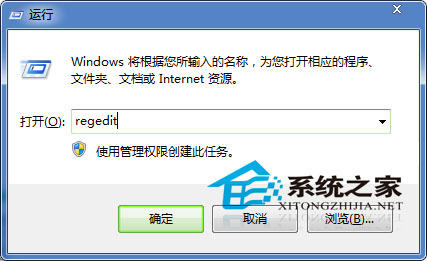
regedit
HKEY_LOCAL_MACHINE\System\CurrentControlSet\Control\FontAssoc
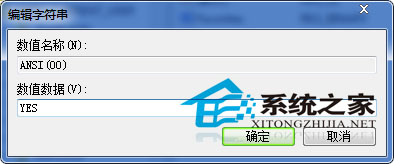
ANSI(00)
GB2312(86)
WEM(FF)
SYMBOL(02)
重新整理資料夾(F5),文字恢復正常。登錄表脆弱易損,定期備份可避免類似問題。
5000-6000元戴爾筆記本推薦:避開 GTX 940MX,鎖定 GTX 1060 以上
Win7 安全中心服務異常修復:啟動 Security Center 服務恢復防護功能
Win7 系統優化全攻略:從核心啟動、關機、視覺效果到服務精簡十大實戰技巧
Win7 安裝受阻無法存放在 C 盤?兩招快速解決磁碟格式問題
Windows 程序出錯彈窗「點擊確定關機重啟」怎麼辦?
Win7 桌面建立一鍵休眠捷徑:3 步驟 + 快捷鍵 F12 真·秒睡
Win7 隱藏光碟機 (光碟機圖示) 教學 (登錄檔法)
Win7 系統遺失 Comres.dll 導致程式無法啟動的快速修復