安裝軟體多了導致系統匣圖示滿滿,逐一清理太麻煩。透過命令提示字元停止 Explorer、刪除註冊表圖示快取鍵值、重新啟動 Explorer,即可一次清空所有歷史圖示記錄。
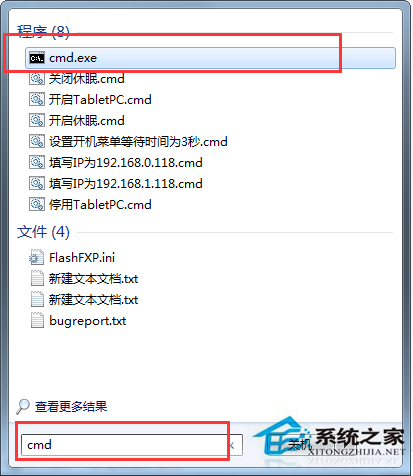
以系統管理員身分開啟 CMD,依序貼上以下指令並按 Enter:
taskkill /f /im explorer.exe
echo y|reg delete "HKEY_CLASSES_ROOT\Local Settings\Software\Microsoft\Windows\CurrentVersion\TrayNotify" /v IconStreams
echo y|reg delete "HKEY_CLASSES_ROOT\Local Settings\Software\Microsoft\Windows\CurrentVersion\TrayNotify" /v PastIconsStream
start explorer
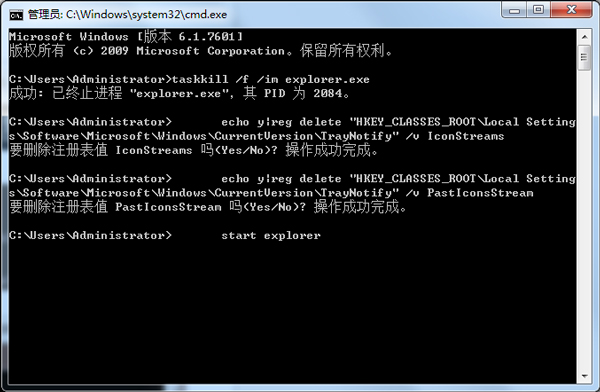
注意:執行第一行指令後桌面與工作列會暫時消失,屬正常現象,最後一行 start explorer 會自動恢復介面。