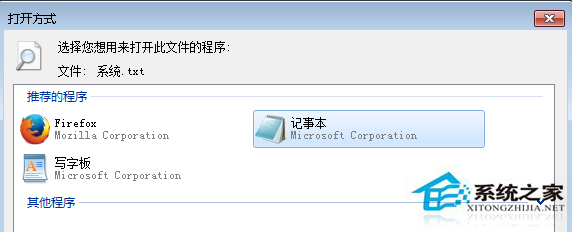
雙擊 .txt 檔跳出「找不到指令碼檔案」,圖示仍為記事本,實則被病毒修改檔案關聯指向惡意腳本。先完整掃毒,再手動將 .txt 關聯還原為記事本即可修復。
.txt
此問題 90% 以上由病毒/惡意軟體竄改註冊表 HKEY_CLASSES_ROOT\txtfile\shell\open\command 導致,殺毒為根本解決。
HKEY_CLASSES_ROOT\txtfile\shell\open\command
Win7 搜狗輸入法頻繁「停止運作」?一鍵修復工具與重裝大法
Win7 CRT 螢幕閃爍?調整螢幕重新整理率至 75Hz 以上消除閃爍
Win7 任務列無法釘選/鎖定程式?註冊表修復 IsShortcut 鍵值解決
暢玩《俠盜獵車手5》(GTA5) 所需的電腦配置建議
Win7取消游戏资源管理器记录玩过游戏历史:隐私保护一键关闭
螢幕解析度「超頻」失敗?三步驟修復顯示異常
Win7 收藏夾資料夾在哪?兩種快速找到 IE 收藏網址儲存位置的方法
Win7 清理滑鼠右鍵選單完整指南:SendTo 資料夾刪除捷徑 + 右鍵管家深度管理