Windows XP Windows 7 Windows 2003 Windows Vista Windows 綜合教學 Linux 系統教學
Windows 10 Windows 8 Windows 2008 Windows NT Windows Server 電腦軟體教學

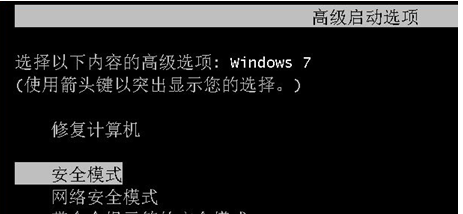
Win7 將安全模式加入開機選單,免按 F8 直接選擇進入

編輯:Win7 系統應用技巧

Windows 7 進入安全模式需開機狂按 F8,極易失敗。透過 bcdedit 或圖形化工具 Bootice / EasyBCD 將安全模式固定加入開機選單,下次重開機即可直接選擇進入,方便維護。

使用 Bootice 圖形化操作(建議)

  1. 以系統管理員身分執行 Bootice(或 EasyBCD)。
  2. 選擇「BCD 編輯」 → 目前開機項目 → 「複製」。
  3. 將新項目名稱改為「安全模式」。
  4. 勾選「安全開機」→ 選「最小」 → 逾時設 5 秒。
  5. 儲存,重開機即可在選單看到「安全模式」選項。

Bootice 介面

指令法:管理員 CMD 執行:
bcdedit /copy {current} /d "安全模式"
記下回傳的 GUID,再執行:
bcdedit /set {GUID} safeboot minimal
bcdedit /timeout 5

Copyright © Windows教程網 All Rights Reserved