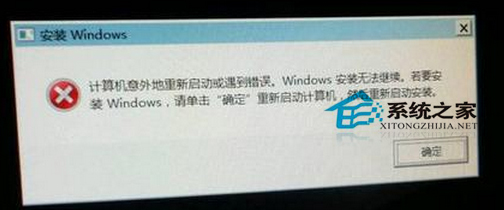
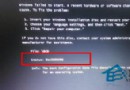
重灌 Windows 7 時卡在「Windows 安裝無法繼續」畫面,通常是 OOBE(開機初始體驗)階段發生錯誤。透過 Shift + F10 呼叫命令提示字元,執行 msoobe 指令可強制跳過並完成安裝。
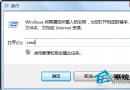
msoobe
cd \
C:\windows\system32\oobe\msoobe
此法適用於安裝媒體無誤但 OOBE 階段卡住的情況。若反覆發生,建議換用其他安裝媒體或檢查硬碟壞軌。
如何解決 Win7 音訊服務未執行?啟動服務與更新驅動雙管齊下
Win7找不到输入法?ctfmon.exe启动+控制面板语言栏设置双重恢复
Win7 內建 Tracert 指令教學:快速診斷網路連線路徑
Win7 使用 systeminfo 指令快速查詢系統安裝日期
Win7 解決 WPS 提示「qtcore4.dll 遺失」無法啟動的問題
Win7 64位 開機彈出 netsh.exe 應用程式錯誤?兩大修復方案
玩遊戲就黑屏?顯卡過熱、驅動、供電不足三大主因排查
Win7 建立系統映像備份完整教程:一鍵還原系統狀態