開機彈出 netsh.exe - 應用程式錯誤(常見 0xc0000142、0xc0000005),通常因系統檔案遺失(Framedyn.dll)或啟動項殘留導致。提供檔案補充與啟動項清理雙方案。
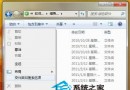
C:\Windows\System32\wbem 找到 Framedyn.dll 複製。C:\Windows\System32 覆蓋/補充(需管理員權限)。原理: Framedyn.dll 為 WMI 提供者框架 DLL,netsh 依賴 WMI 查詢網路設定,缺失導致初始化失敗。
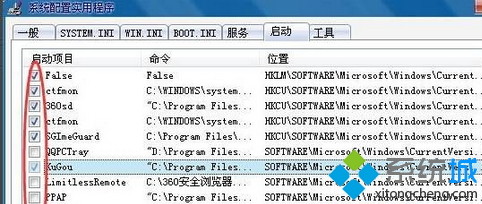
msconfig →「啟動」頁籤。netsh interface ip set address 等),取消勾選。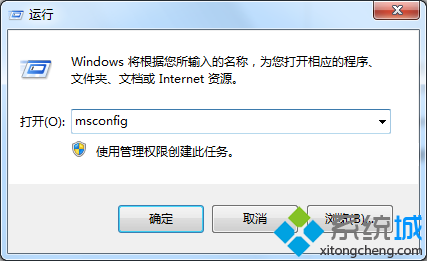
以管理員身分執行 CMD:
sfc /scannow
DISM /Online /Cleanup-Image /RestoreHealth  (Win7 需先安裝 DISM)
若 sfc 回報無法修復檔案,參考 CBS.log (C:\Windows\Logs\CBS\CBS.log) 尋找具體損壞檔案,從同版本系統或安裝媒體 (install.wim) 提取替換。
C:\Windows\System32\netsh.exe)。建議先試方案二(風險最低),無效再試方案一與系統檔案修復。