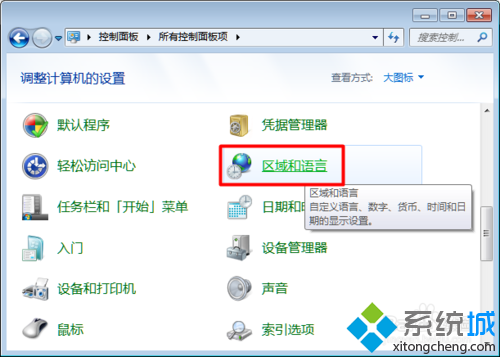
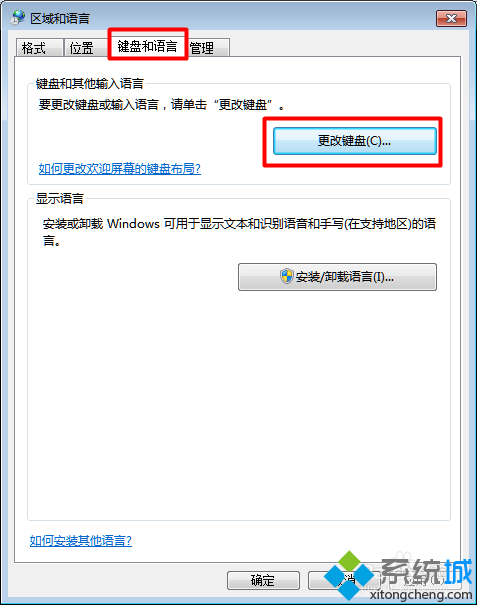
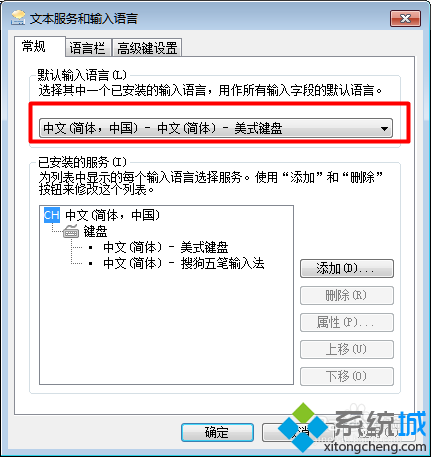
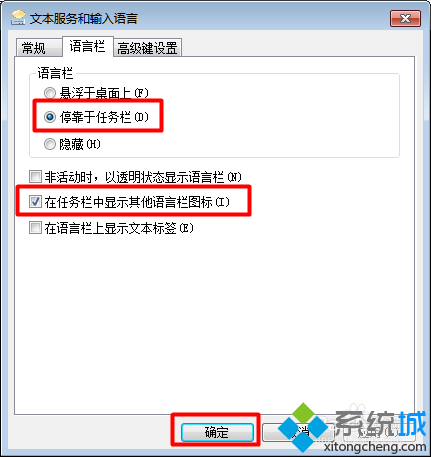
Win7 任务栏输入法图标消失、无法切换输入法,通常是 ctfmon.exe 未运行或语言栏设置被禁用。
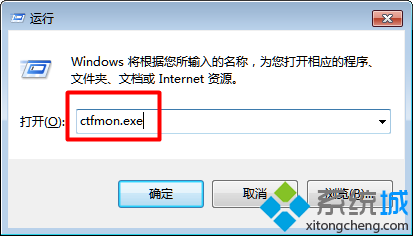
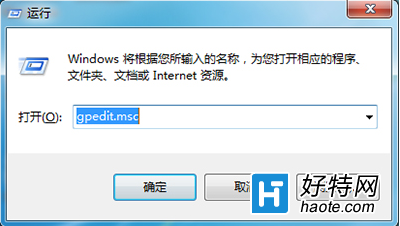
ctfmon.exe
ctfmon.exe 回车,观察任务栏是否出现输入法图标。
进阶: 若 ctfmon.exe 重启后又消失,检查注册表 HKEY_CURRENT_USER\Software\Microsoft\Windows\CurrentVersion\Run 是否有 ctfmon 启动项,无则新建字符串值指向 C:\Windows\System32\ctfmon.exe。
HKEY_CURRENT_USER\Software\Microsoft\Windows\CurrentVersion\Run
ctfmon
C:\Windows\System32\ctfmon.exe
Win7 程式相容性問題?內建疑難排解與手動設定相容模式雙管齊下
Win7 如何關閉 Tablet PC 輸入面板?控制台「開啟或關閉 Windows 功能」取消勾選 Tablet PC 元件
笔记本显卡 Radeon HD 8670M 性能详解:核心规格、显存位宽、游戏实测定位
Win 7 內建查看無線密碼功能:重灌/分享密碼不求人,圖文教學 30 秒搞定
筆電昨天還好好的,今天通電無反應、指示燈不亮?排查步驟與維修建議
Win7 如何加密資料夾保護隱私?EFS 加密與隱藏屬性雙重保護
Windows 7 隱藏級神功能:跳躍清單、Aero Snap/Shake、程式庫、搜尋連接器
Win7 秒顯桌面三大絕招:滑鼠、鍵盤、任務列全搞定