Win7 Windows Update 報錯 0x80070643 (安裝失敗/系統元件損毀),執行系統檔案檢查器 sfc /scannow 掃描修復損毀的系統檔案,通常可一次解決。
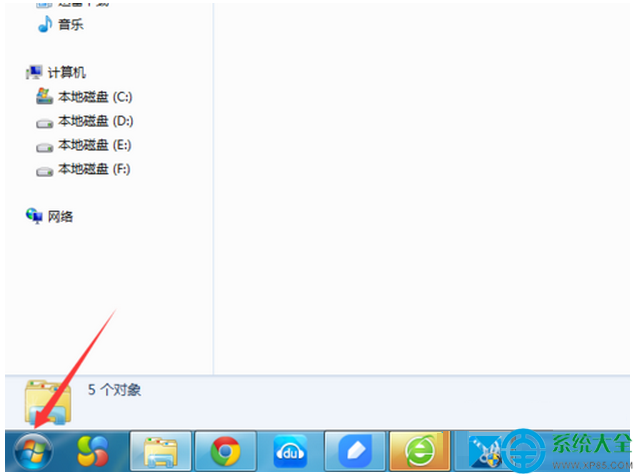
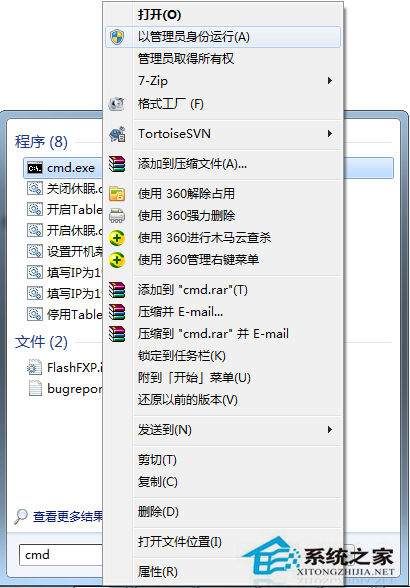
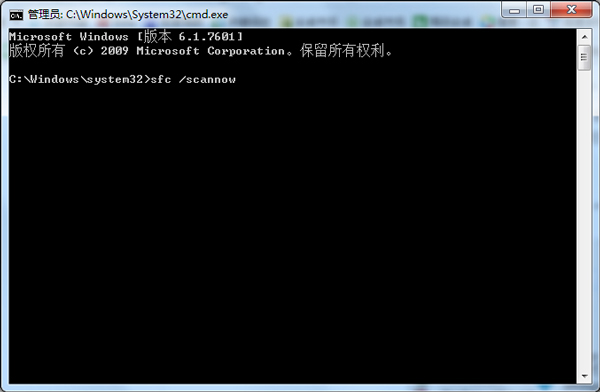
開始 → 搜尋 cmd → 右鍵「以系統管理員身分執行」。
輸入 sfc /scannow 按 Enter → 等待進度條跑完 (約 5-15 分鐘) → 顯示「Windows Resource Protection found corrupt files and successfully repaired them」即修復成功。
進階修復 (若 SFC 無法修復):
- DISM 修復元件存放區:
DISM /Online /Cleanup-Image /RestoreHealth(需網路下載健全檔案)。- 手動下載對應 KB 更新包離線安裝。
- 重設 Windows Update 元件:停用 wuauserv、bits、cryptsvc → 重命名
C:\Windows\SoftwareDistribution與C:\Windows\System32\catroot2→ 重啟服務。