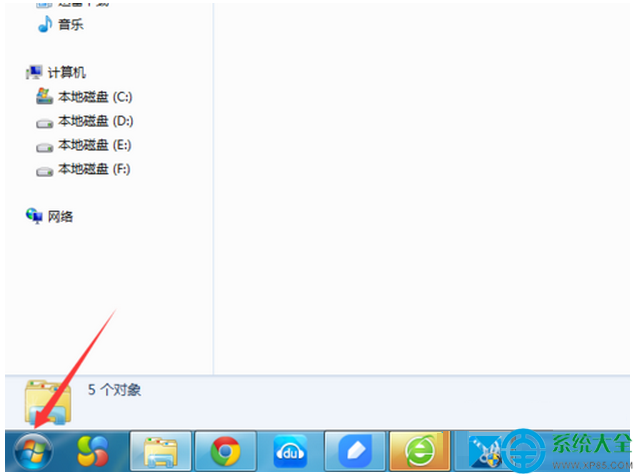
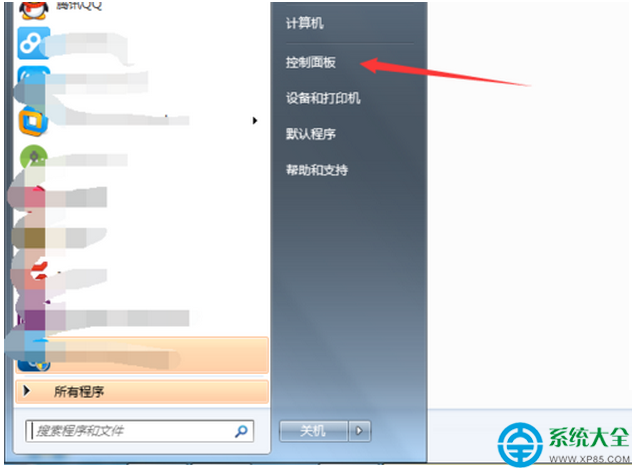
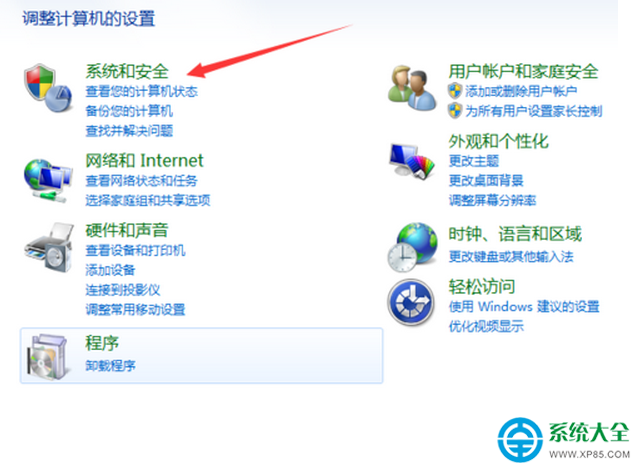
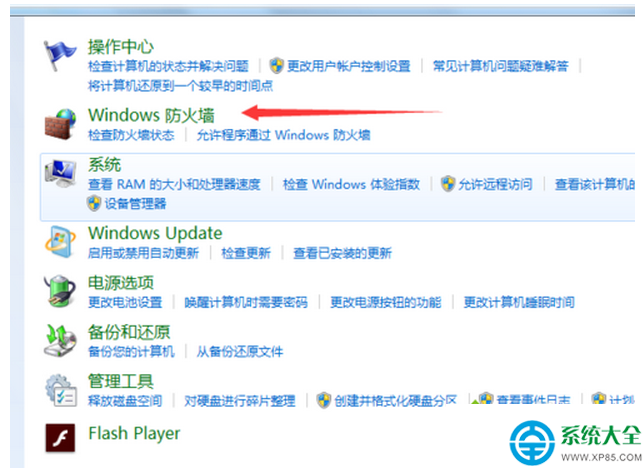
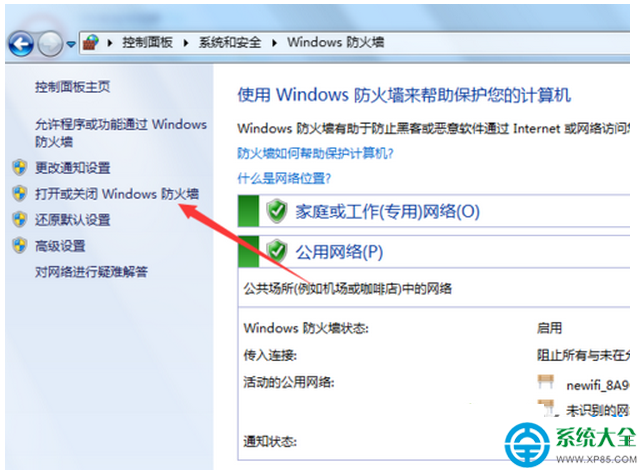
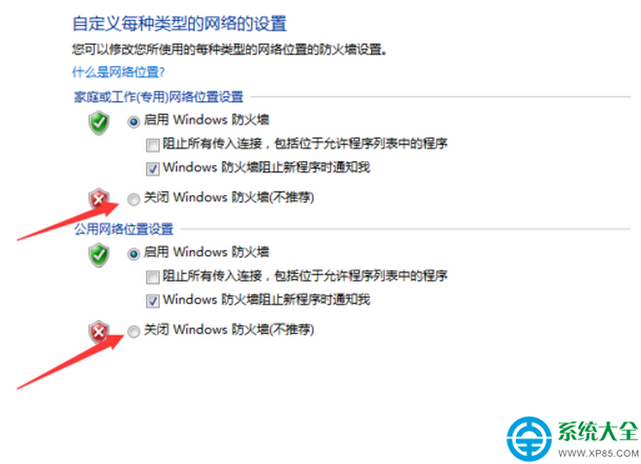
Windows 防火牆雖提供基本防護,但可能佔用系統資源。若已安裝第三方安全軟體,可暫時關閉內建防火牆以釋放效能。
注意:關閉防火牆會降低系統安全性,請確認已安裝並啟用其他防護軟體,或僅在特定測試環境下暫時關閉。
Win7 Windows Update 無法檢查更新?重建 SoftwareDistribution 資料夾一鍵修復
Win7 安裝 VS 與 XAMPP 導致 80 連接埠衝突?修改登錄檔釋放連接埠教學
Win7 Ping 指令提示「不是內部或外部命令」?環境變數 Path 遺失 System32 路徑修復
Win7音乐播放卡顿?声卡驱动版本过新导致,降级安装合适版本驱动解决
Windows 藍屏停止錯誤代碼詳解:0x0000000A、0x0000001E、0x00000023/24
螢幕出現條紋閃爍?四大成因與對應解決方案
Win7 工作排程器無法開啟?服務停用是主因,三步恢復正常
Windows 7 預發布版(Beta/RC)即將過期?升級與授權完整指南