Windows XP Windows 7 Windows 2003 Windows Vista Windows 綜合教學 Linux 系統教學
Windows 10 Windows 8 Windows 2008 Windows NT Windows Server 電腦軟體教學

Win7 安裝 .NET Framework 4.0 失敗回滾?重置 Windows Update 元件與權限修復教學

編輯:Win7 系統應用技巧

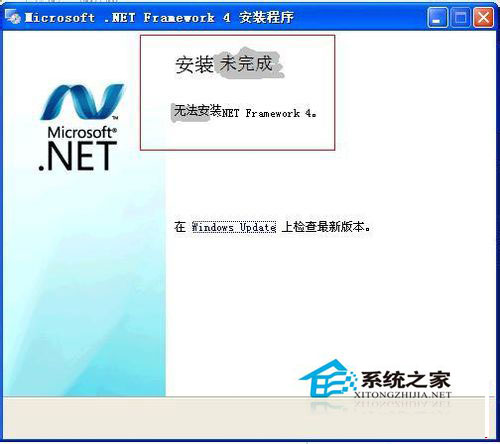
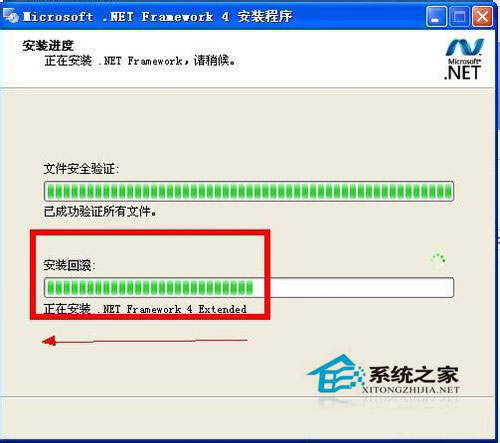
.NET Framework 4.0 安裝至一半進度條變成「回滾」,最終提示「安裝未完成」。主因通常是 Windows Update 服務元件損毀、或登錄權限不足導致寫入失敗。以下提供標準修復流程。

修復步驟

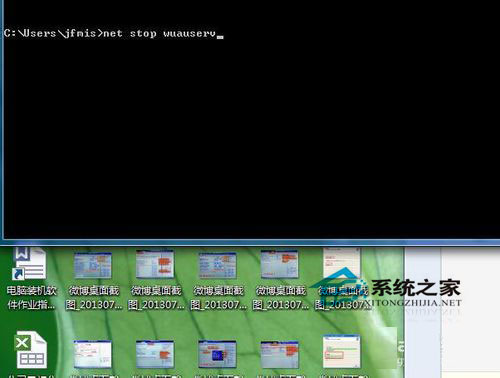
  1. 以管理員身分開啟 CMD,執行 net stop WuAuServ 停用 Windows Update 服務。
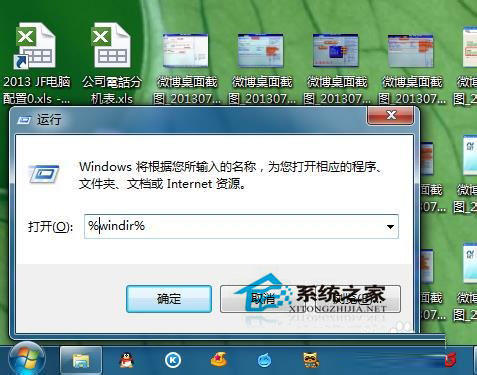
  2. Win+R → %windir% → 找到 SoftwareDistribution 資料夾 → 重新命名為 SDold。
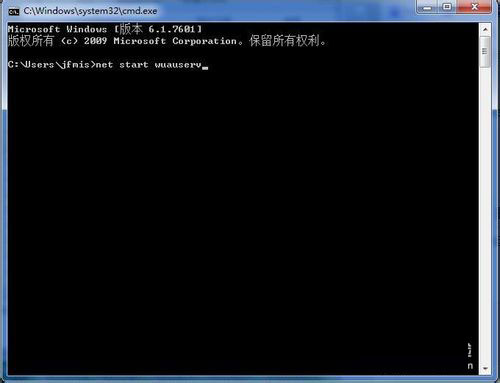
  3. CMD 執行 net start WuAuServ 重新啟動服務(系統會自動重建乾淨的 SoftwareDistribution)。
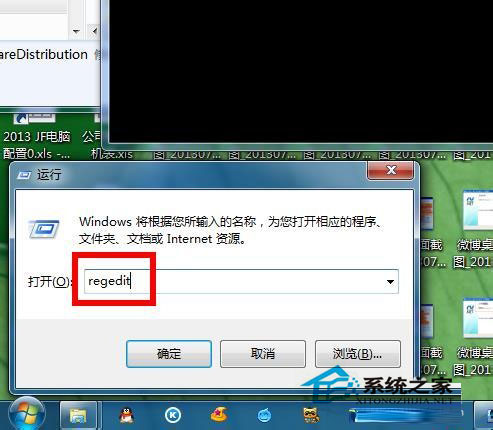
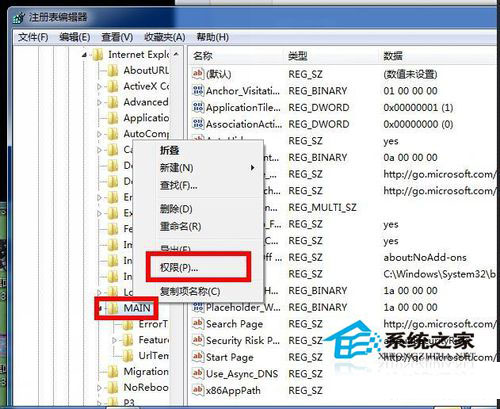
  4. Win+R → regedit → 瀏覽至 HKEY_LOCAL_MACHINE\SOFTWARE\Microsoft\Internet Explorer\Main。
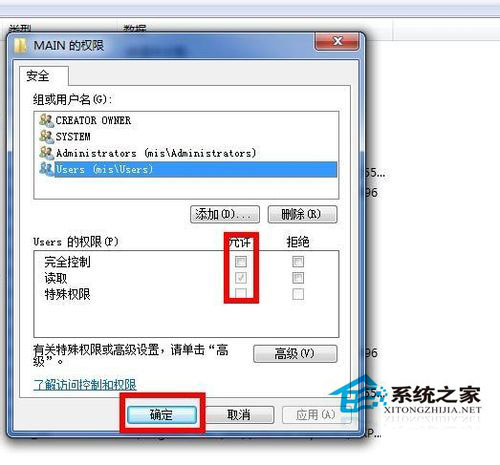
  5. 右鍵 Main → 「權限」 → 將目前使用者/Administrators 群組勾選 完全控制 → 確定。
  6. 重新執行 .NET Framework 4.0 安裝程式。

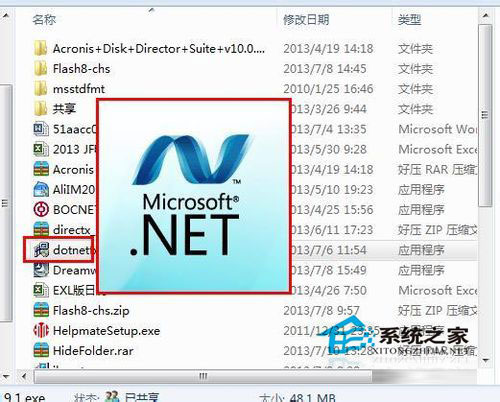
安裝包

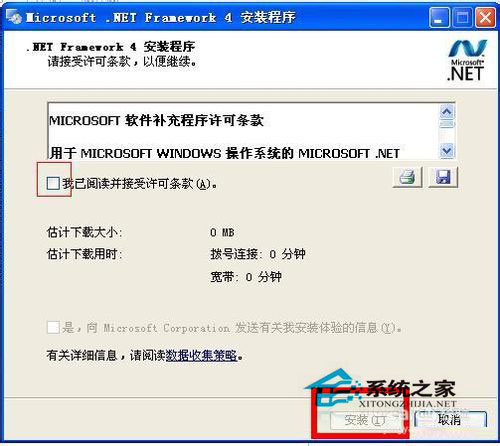
接受授權條款

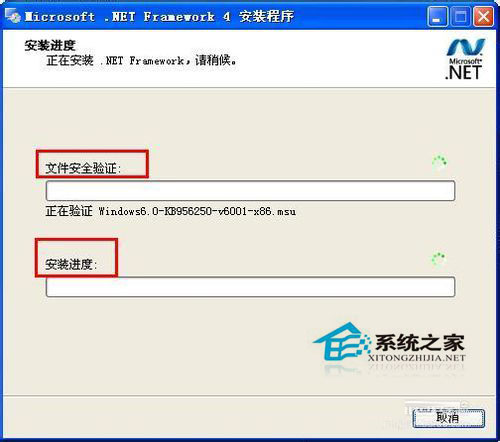
安裝進度條

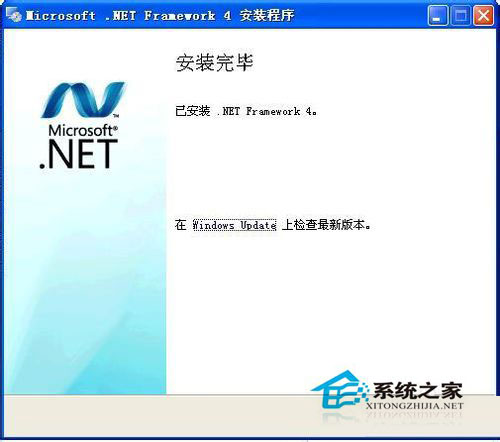
安裝成功

安裝回滾

安裝未完成

停止 WuAuServ

SoftwareDistribution 重命名

啟動 WuAuServ

登錄編輯器 Main 權限

權限設定

完全控制勾選

完成上述步驟後,絕大多數安裝失敗情況即可解決。若仍失敗,請檢查系統檔案完整性(sfc /scannow)或嘗試離線安裝包。

Copyright © Windows教程網 All Rights Reserved