BLD Base Service 為藍光聯盟推廣軟體統計工具,常捆綁在 Ghost 系統或免費軟體安裝包中。屬於流氓軟體,建議徹底移除。
移除方法
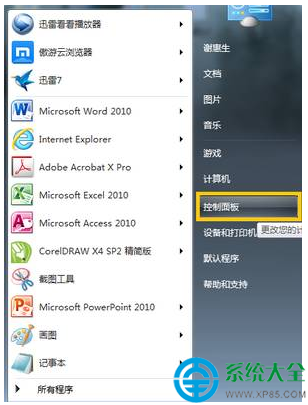
- 控制台 → 「程式和功能」→ 找 BLD Base Service → 右鍵「解除安裝」。
- 下載 IObit Uninstaller(免費版)→ 掃描 → 勾選 BLD Base Service 及同時間安裝的可疑程式 → 「強力解除安裝」→ 掃描殘留登錄/檔案 → 「刪除」。
預防:下載系統映像請選擇官方原版 ISO 或信任站點純淨版,避免預載流氓軟體;安裝免費軟體時選「自訂安裝」,取消勾選捆綁項目。