Windows XP Windows 7 Windows 2003 Windows Vista Windows 綜合教學 Linux 系統教學
Windows 10 Windows 8 Windows 2008 Windows NT Windows Server 電腦軟體教學

Win7 IIS 架站出現「相依服務或群組無法啟動」錯誤 1068?啟用 WAS 服務解決

編輯:Win7 系統應用技巧

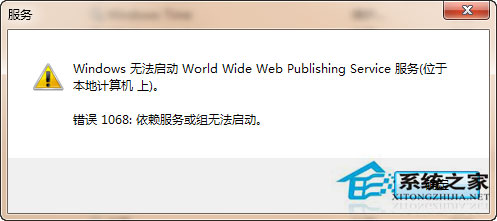
Win7 建立 IIS 網站時錯誤 1068:「World Wide Web Publishing Service (W3SVC) 相依服務或群組無法啟動」。主因 **Windows Process Activation Service (WAS)** 未安裝/啟用。

排查與修復步驟

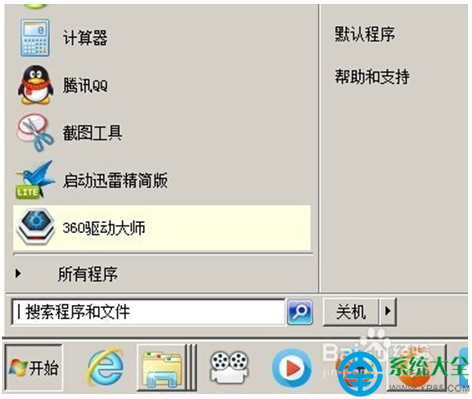
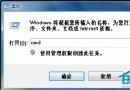
  1. Win+R → services.msc → 找「World Wide Web Publishing Service」→ 啟動 → 報錯 1068。
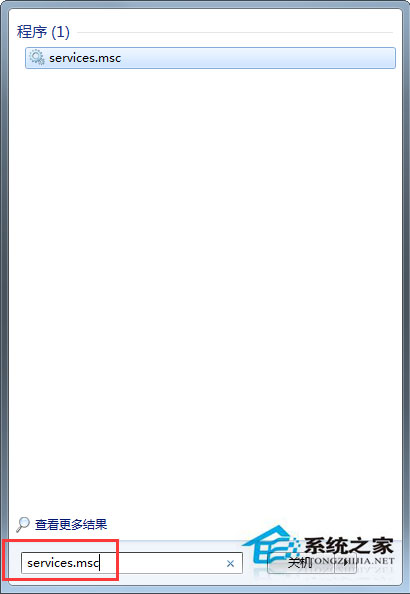


  2. 系統日誌確認缺少 WAS 服務。
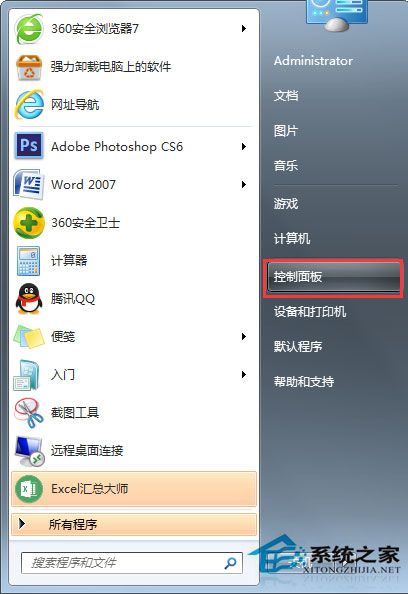
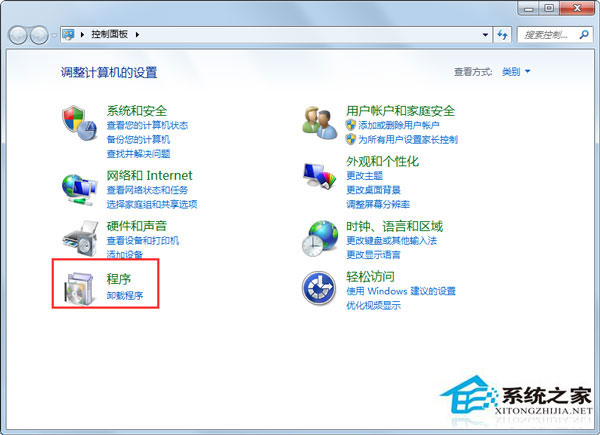
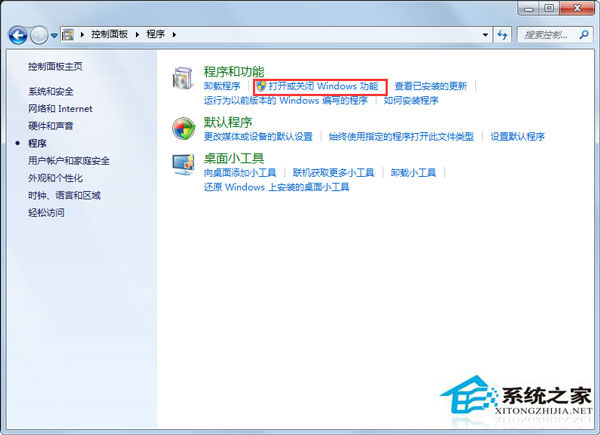
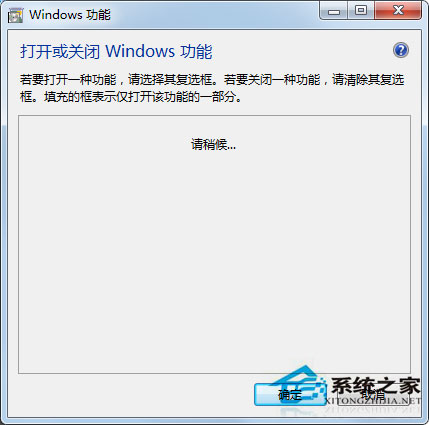
  3. 控制台 →「程式集」→「開啟或關閉 Windows 功能」。


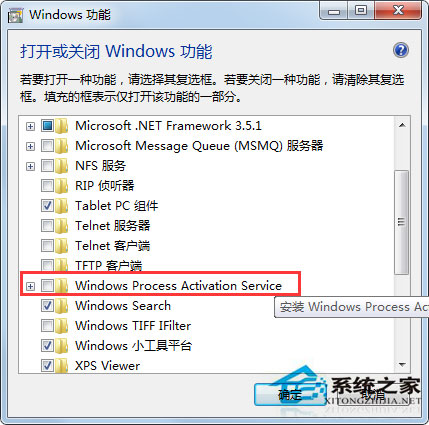
  4. 等待功能載入 → 勾選「**Windows Process Activation Service**」(含子項:處理序模型/.NET 環境/組態 API) →「確定」。

  5. 安裝完成 → 重開 services.msc → 啟動 WAS → 再啟動 W3SVC → IIS 應正常運作。

相依關係說明

  • W3SVC (WWW 發佈服務) → 相依 WAS (處理序啟用服務)。
  • WAS → 相依 HTTP 濾波器/驅動 (通常已存在)。
  • Win7 預設**未安裝 WAS**,需手動啟用 Windows 功能。

啟用 WAS 後,IIS 7/7.5 於 Win7 即可完整運行 ASP.NET/ PHP (需另裝) 網站。

Copyright © Windows教程網 All Rights Reserved