錯誤 651 表示資料機/網卡/交換機/路由器層面連線失敗。提供四大排查面向。
1. 重置 TCP/IP 與 Winsock 目錄 (解決網卡協議棧異常)
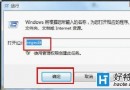
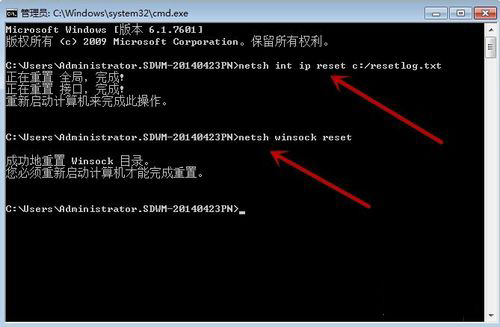
- CMD (系統管理員) 依序執行:
netsh int ip reset c:\resetlog.txt
netsh winsock reset
- 重開機。
2. 檢查實體連線與交換機/路由器
- 換網路線、換路由器/交換機 LAN 埠。
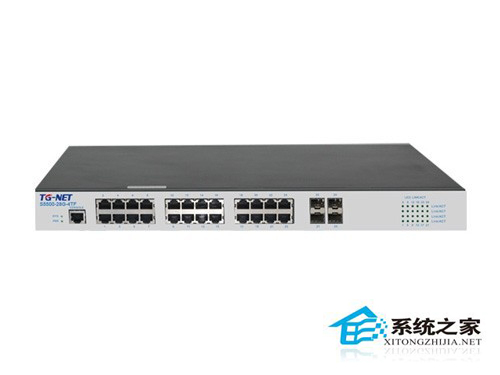
- 路由器斷電 2 分鐘重啟 (釋放 DHCP 租約、清除快取)。
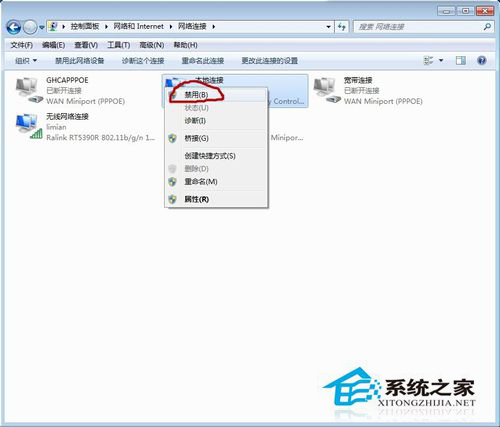
3. 鎖定網卡速度與雙工模式 (解決自動協商失敗)
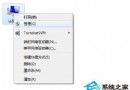
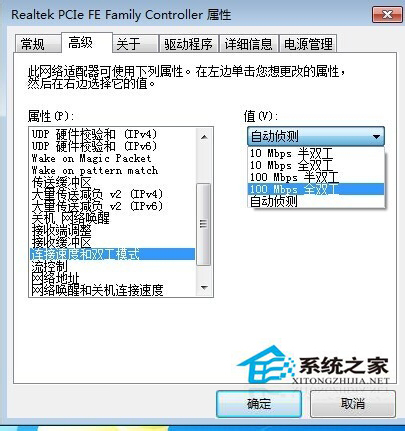
- 「網路及共用中心」→「變更介面卡設定」→ 右鍵網卡 →「內容」→「設定」→「進階」。
- 「連線速度與雙工模式」→ 選「**100 Mbps 全雙工**」→「確定」。
4. 其他潛在原因
- ISP 端口鎖定/欠費/維護 → 聯繫客服。
- 網卡硬體故障 → 換網卡/USB 轉網卡測試。
- PPPoE 帳密錯誤 → 重新輸入驗證。
按 1→2→3→4 順序排查,多數 651 錯誤可在前三步解決。