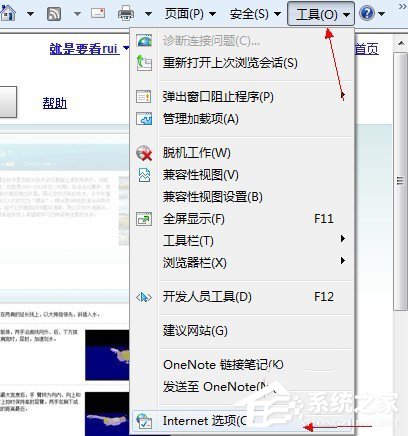
Win7 內建 IE 瀏覽器開啟網頁提示「無法顯示此網頁」,原因可能涉及自動偵測設定錯誤、IP/DNS 設定異常、IE 核心 DLL 檔案損毀、Winsock 目錄損壞或 TCP/IP 協定堆疊錯誤。以下提供五種由淺入深的修復方案。
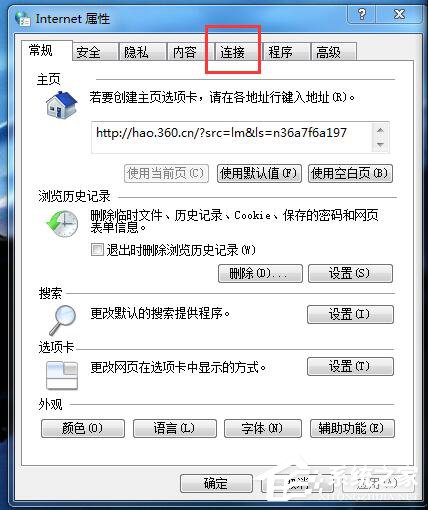
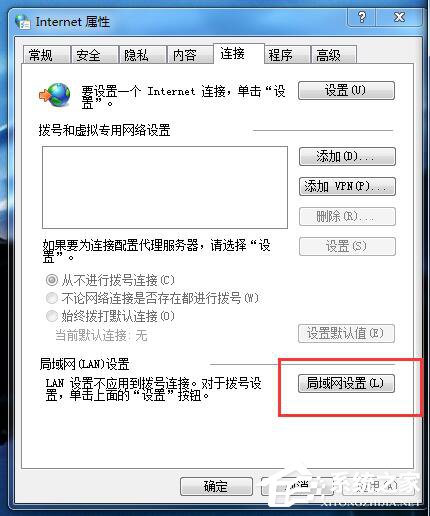
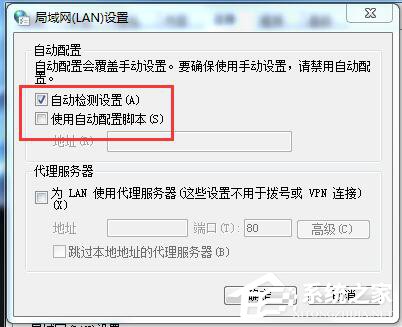
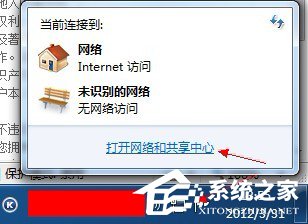
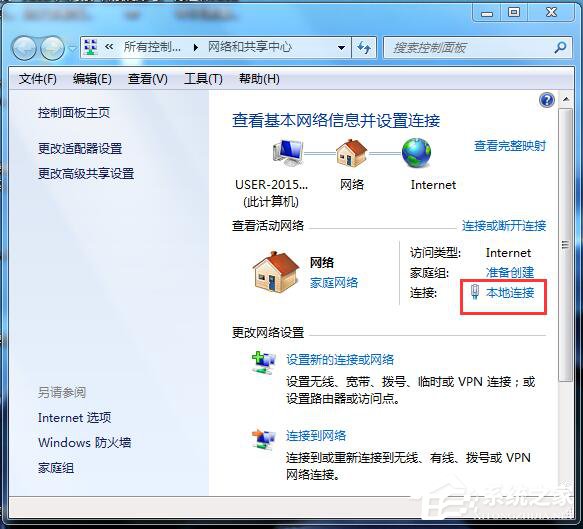
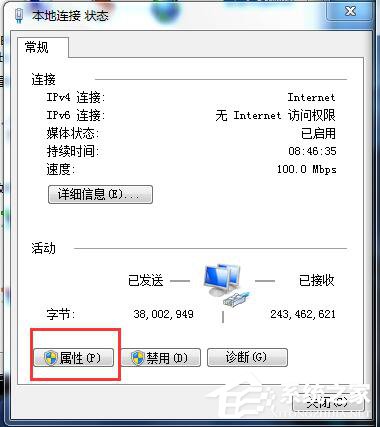
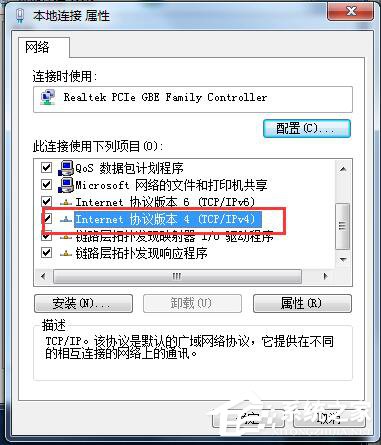
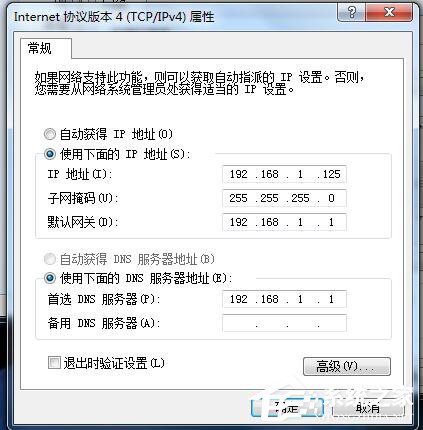
fix_ie_dll.bat 批次檔:regsvr32 actxprxy.dll mobsync.dll asctrls.ocx msapsspc.dll cdfview.dll mshta.exe comcat.dll mshtmled.dll comctl32.dll msident.dll corpol.dll msieftp.dll cryptdlg.dll msnsspc.dll digest.dll msr2c.dll dispex.dll msrating.dll dxtmsft.dll msxml.dll dxtrans.dll occache.dll hlink.dll oleaut32.dll iepeers.dll plugin.ocx iesetup.dll pngfilt.dll imgutil.dll proctexe.ocx inetcpl.cpl scrobj.dll initpki.dll sendmail.dll inseng.dll setupwbv.dll licmgr10.dll tdc.ocx mlang.dll webcheck.dll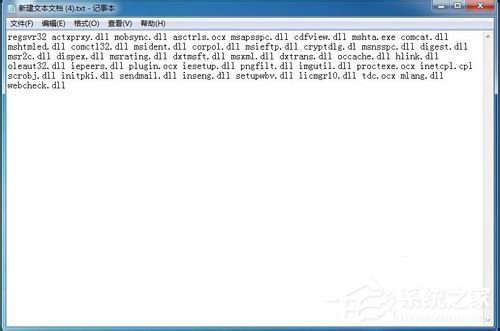
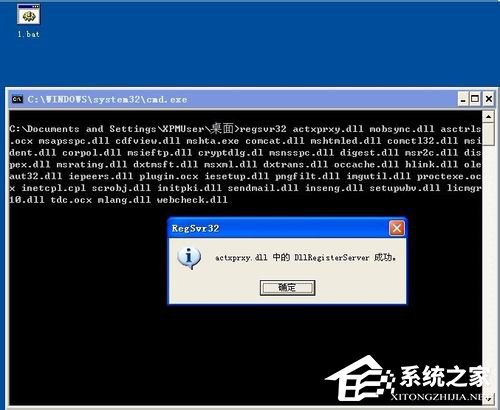
以系統管理員身分開啟命令提示字元,執行:
netsh winsock reset
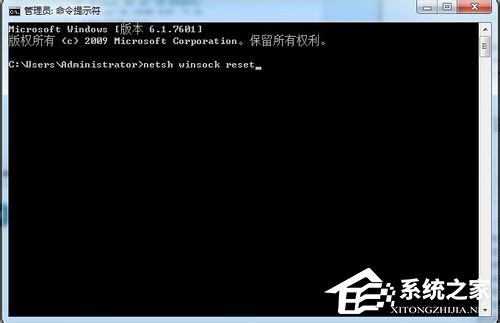
完成後重新開機。
以系統管理員身分開啟命令提示字元,執行:
netsh int ip reset resetlog.txt
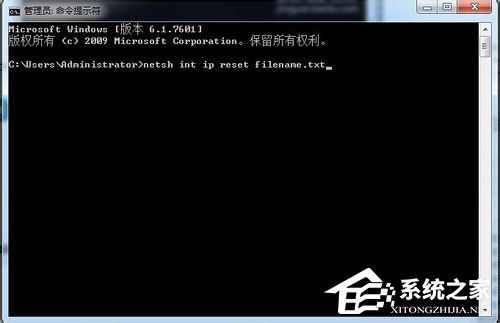
完成後重新開機。
建議依序嘗試方案一至五,多數情況在方案一或二即可解決。若問題持續,請考慮升級至 IE11 或改用 Chrome/Edge 等現代瀏覽器以獲得更佳相容性與安全性。