Win7使用久了C盘红了?不用下载清理软件,一个自制BAT脚本即可深度清理系统临时文件、日志、缓存、回收站等垃圾数据,释放数GB空间。本文提供完整源码与制作教程,放桌面双击即用,安全无毒无广告。
清理垃圾.bat)@echo off echo 正在清除系统垃圾文件,请稍等...... del /f /s /q %systemdrive%\*.tmp del /f /s /q %systemdrive%\*._mp del /f /s /q %systemdrive%\*.log del /f /s /q %systemdrive%\*.gid del /f /s /q %systemdrive%\*.chk del /f /s /q %systemdrive%\*.old del /f /s /q %systemdrive%\recycled\*.* del /f /s /q %windir%\*.bak del /f /s /q %windir%\prefetch\*.* rd /s /q %windir%\temp & md %windir%\temp del /f /q %userprofile%\cookies\*.* del /f /q %userprofile%\recent\*.* del /f /s /q "%userprofile%\Local Settings\Temporary Internet Files\*.*" del /f /s /q "%userprofile%\Local Settings\Temp\*.*" del /f /s /q "%userprofile%\recent\*.*" echo 清除系统垃圾完成! echo. & pause
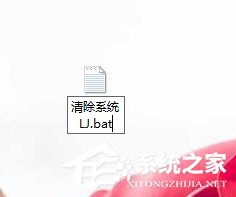
清理垃圾.bat(编码选ANSI)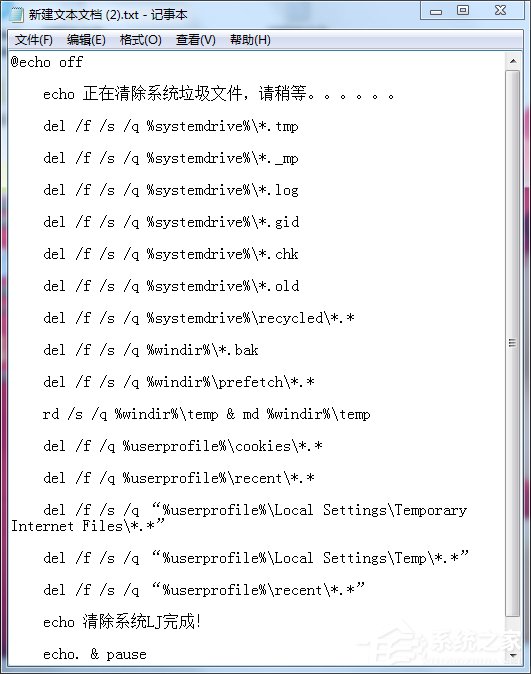

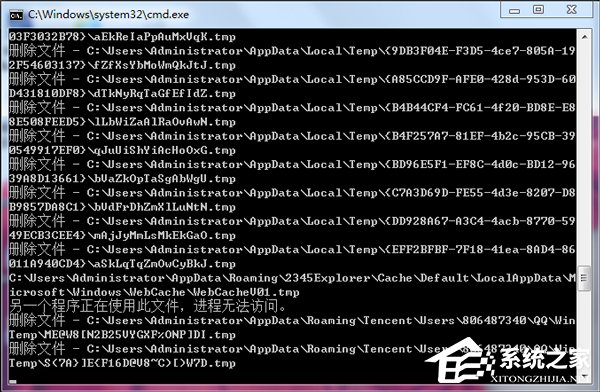
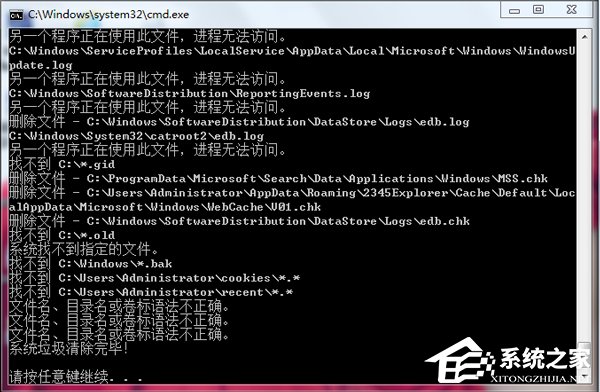
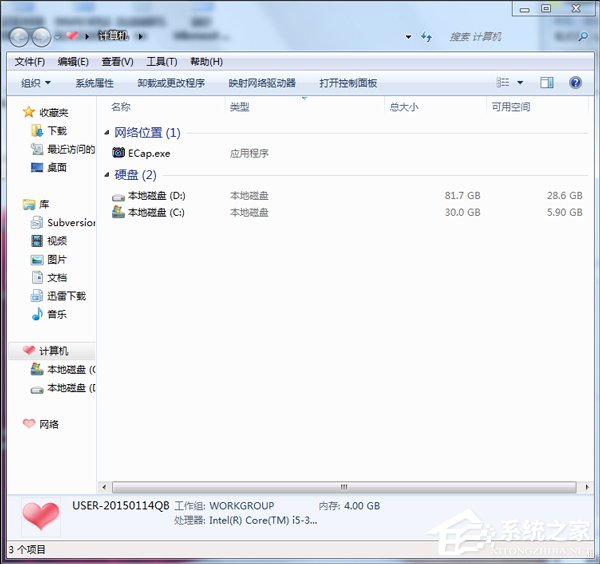
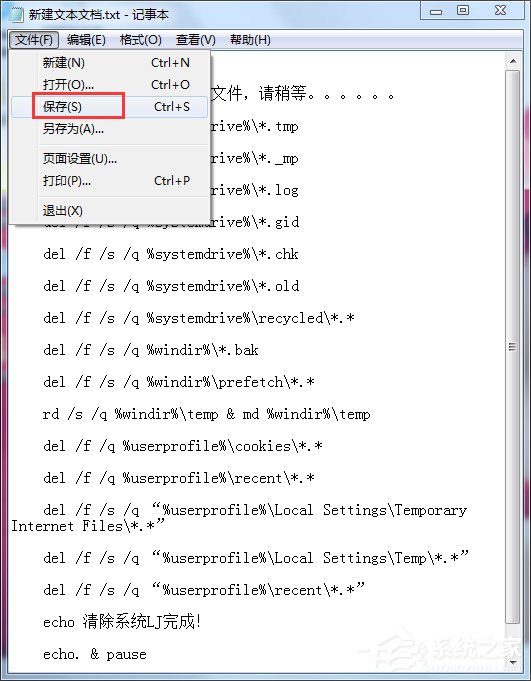
原理说明:脚本调用系统内置 del/rd 命令,按环境变量精准定位系统垃圾目录,不涉及用户文档、下载文件等个人数据,安全可控。建议每月运行1-2次维护系统性能。